AlphaVision ML User manual Rev. 2.60 – 01-01-2015 9
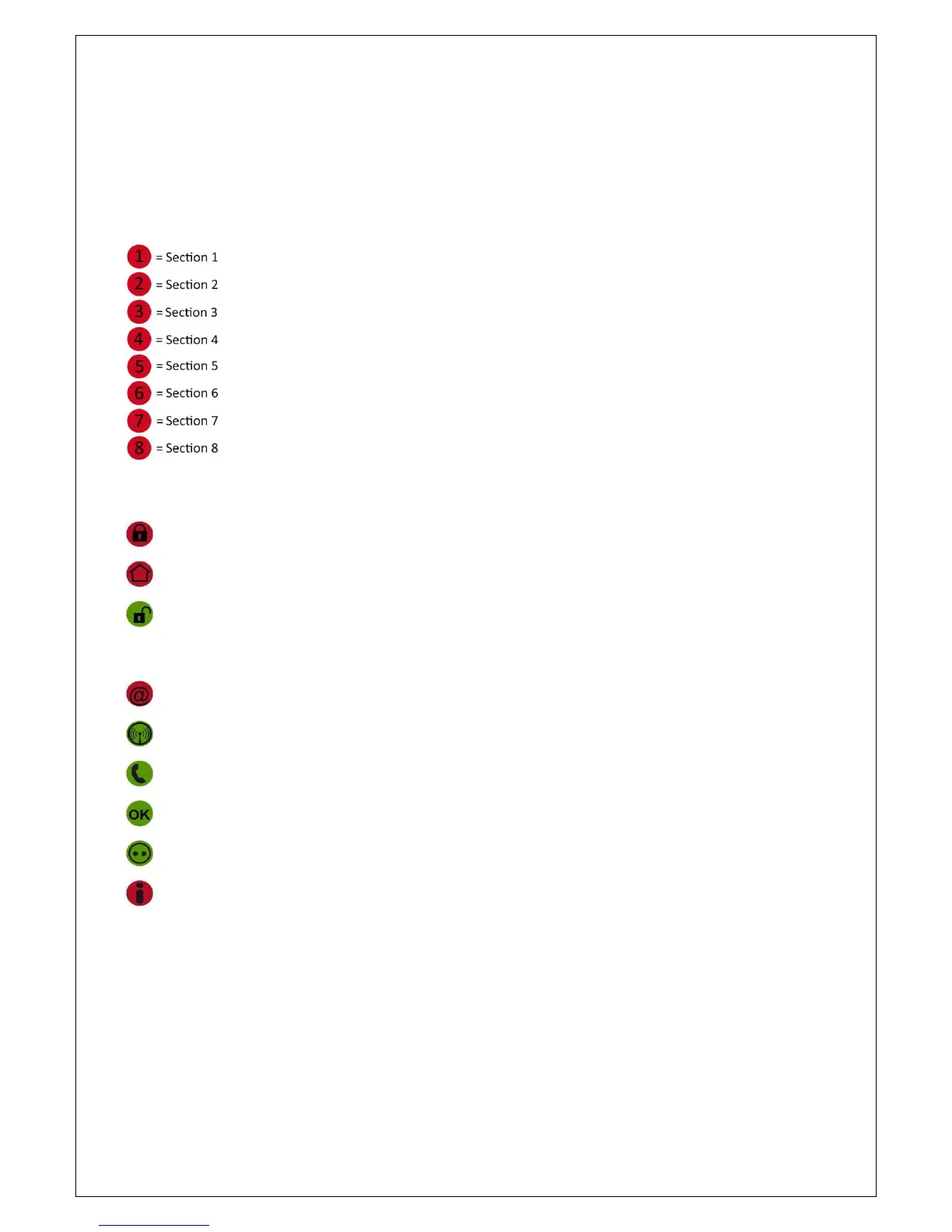
Meaning of the LED’s of the keypad
In idle state the top line of the display shows the House Identity (default ALPHAVISION ML). Your installer
can program the system to show the family name or company name. The second line displays the date
(European style Day-Month-Year) and time (Hours:Minutes).
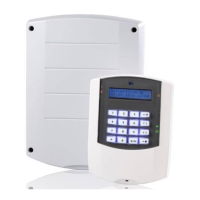
The keypad has two rows of LED’s, placed on the left and right sides of the display and keys. On the left side,
eight LED’s 1 to 8 show the status of the eight sections (Illuminated when armed).
On the right side, several status LED’s are place. These LED’s indicate the following:
The green OK LED is used for indicating that all zones are closed and that the system is ready to be armed.
Each keypad can be linked to specific sections or areas of the building. The OK LED will only show the status
of the zones programmed in this section(s). When any of the zones in the section are open, the green OK
LED will be off. In this case the system cannot be armed; when trying to arm the system will display “open
zones” in the display. Before arming, close these open zones first.
The green Power / 230V LED gives the following indications:
When the Power LED is on, the 230V power line is connected and available. When the LED flashes, the
power is cut off; this will also be displayed with the “Information Present” message.
= Total armed
= Partial armed
= Disarmed
= IP dialer transmitting
= GSM/GPRS dialer transmitting
= PSTN dialer transmitting
= OK (all zones closed)
= Power (230V)
= Unread information available


 To Next Page