20
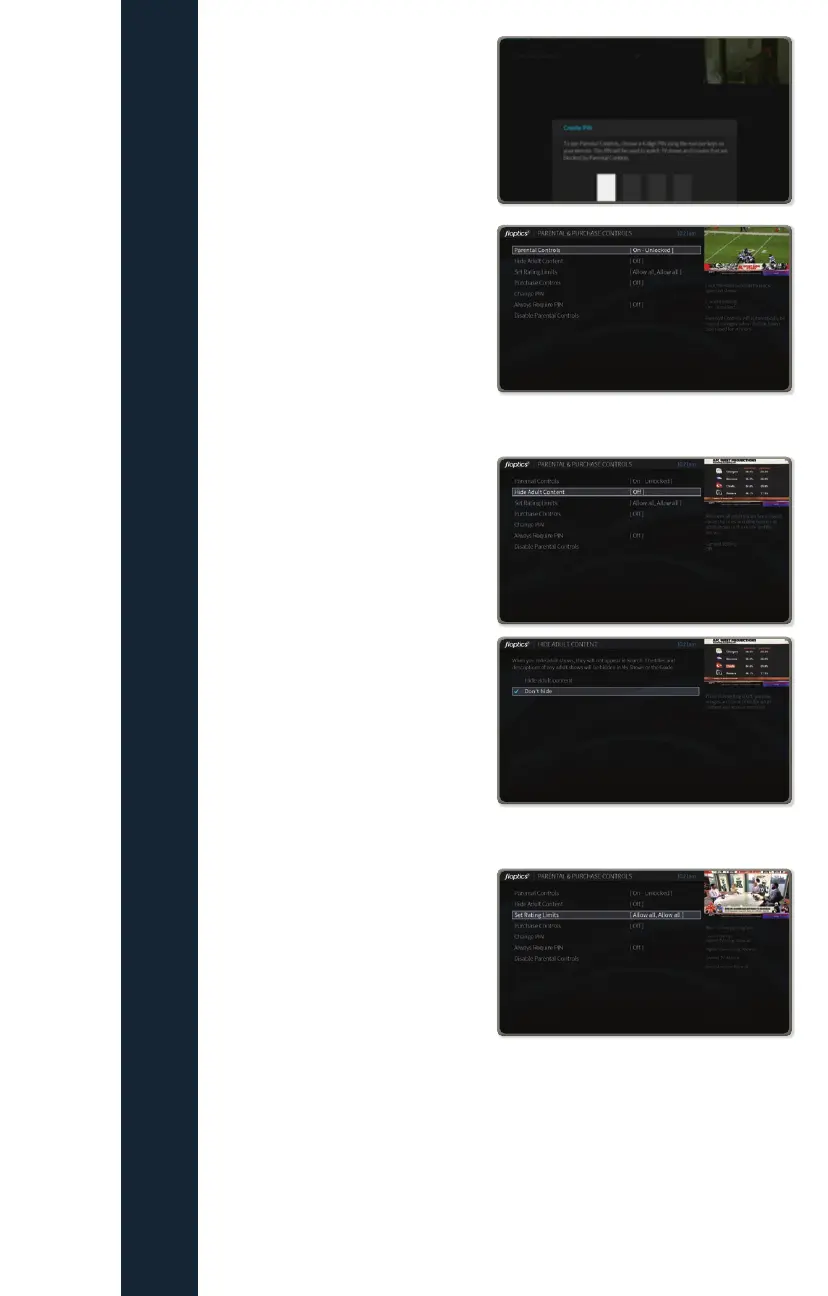
You will be prompted to create
a 4-digit PIN. Enter the PIN and
remember to write it down and keep
it in a safe place.
After entering the PIN you will be
asked to confirm it by re-entering it.
Upon re-entering the PIN, the
Parental Controls will now display
On-Unlocked. Also, Change PIN
and Disable Parental Controls will
be added to the option list.
Hide and Unhide Adult Content
This setting simply hides the title and
description of any content
with adult ratings.
The settings are Hide Adult
Content and Don’t Hide.
Set Rating Limits
Allows you to set limits on what type
of content can be watched based
on its content rating. There are four
settings:
• Highest allowed movie rating
AO – Allow all, NC17, R,
PG13, PG, G, Block All
• Unrated TV Shows
Allow All, Block All
• Unrated Movies
Allow All, Block All
FIOPTICS+ - Parental Controls



 To Next Page