6
FIOPTICS+ - Pay-Per-View, Search
Watching A Saved Video
Partially and completely viewed on demand videos are saved in the My Rentals
folder for as long as they are available from the Fioptics+ On Demand library. You
can watch them again at any time during the rental period.
To restart a video in progress, or to re-watch a video you have already viewed:
1. Select On Demand from the Home screen.
2. Select the My Rentals folder, and then select the video you want to watch.
3. Choose to resume playing where you left off or to start from the beginning.
Pay-Per-View
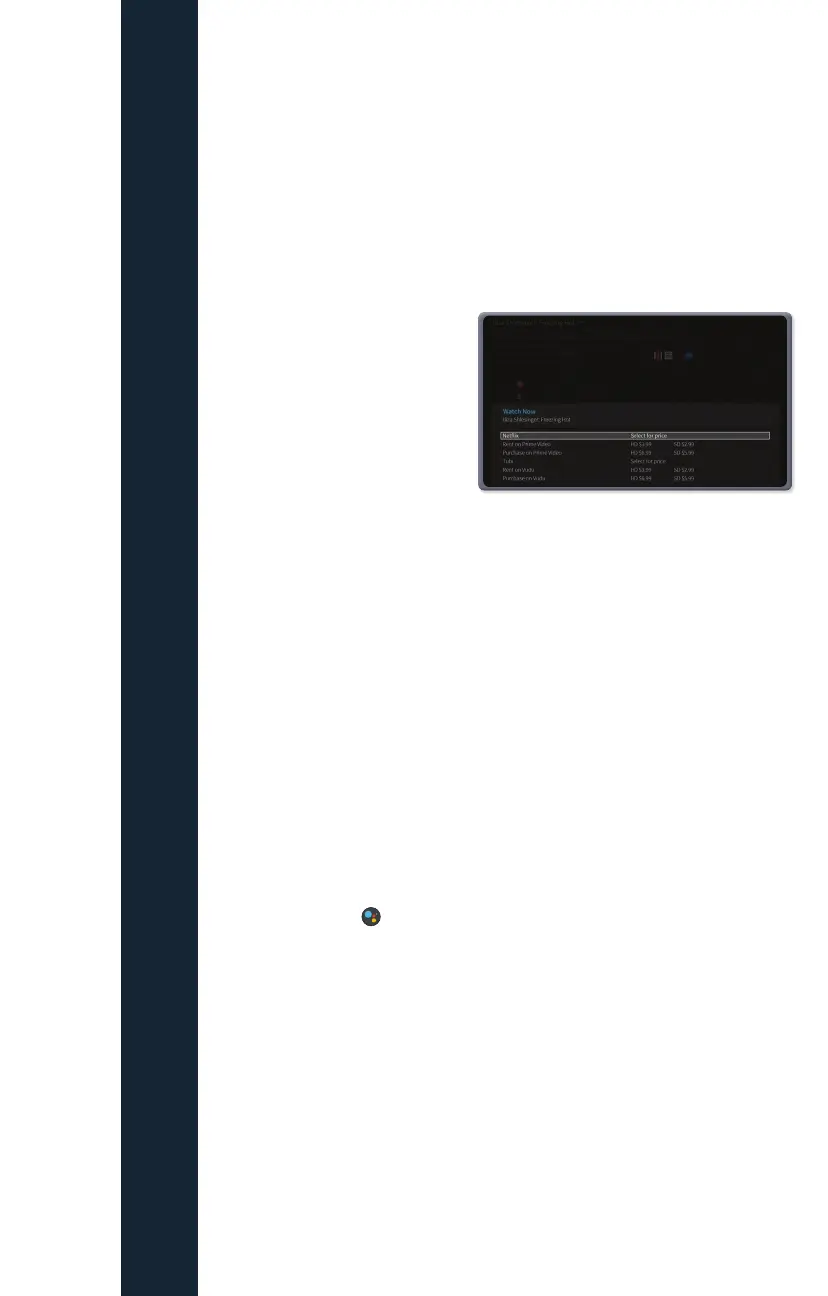
Pay-Per-View will be available to
order from the Fioptics+ Set Top
Box by an on-screen purchase
window. Customers will have
access to the most compelling
live sports and events as well has
newest movies to rent at the touch
of their fingers.
Not only can you rent from Fioptics+ assets, but, if subscribed, you can purchase
rentals through the most popular OTT apps directly. Renting PPV assets through
the OTT app will bill to the payment source set up when customer subscribed to
those apps, these charges will not show on the Fioptics+ monthly bill.
Search
Search by show title, episode title, show description, or person name (actor,
director, etc.). The TiVo service searches upcoming TV shows and movies,
streaming videos (from sources like Netflix, Hulu, Prime Video, and more), and On
Demand all at the same time. You can even search for a particular channel by its
network name or call sign (e.g., NBC or ESPN).
Finding Shows With Your Voice
Use the Google Assistant button on your remote to search live TV, jump to a
show, open an app, or get recommendations to match your mood.
1. While viewing any TiVo menu or watching TV, press and release the Google
Assistant button
on the remote.
2. Speak naturally into the remote. Say a title, actor, or keyword.
3. Try saying:
• “The Voice” or “Find football games”
• “Search cooking shows”
• “Find romantic movies” or “Show me sports movies”
Note: To find shows with your voice, your remote must be paired correctly with
your TiVo device. Usually, the remote is paired when you install the batteries,
but if your voice is not being recognized, you may need to re-pair it. See Remote
Settings in the User Guide sent to your email, or by visting
altafiber.com/help-center.



 To Next Page