15
FIOPTICS+ - Storage, Mobile Streaming App
How to manage storage
This depends on your service plan. There are several DVR tiers available to
match your recording needs. And, if those change, you can adjust your tier
either through your My altafiber account or give us a call at 513-565-9890.
If you set up a recording when your storage space is almost full, you’ll receive a
message on your TiVo device. At that point, you can upgrade to a plan with more
storage, or you can delete some of your recordings to free some space. When
you reach your storage limit, your TiVo device will begin deleting your oldest
recordings to make space for new ones.
Mobile Streaming App Instructions
To register an unmanaged streaming device (Apple TV, Fire
Stick/Cube, Android TV), after downloading the Fioptics+ app
from the respective app store, you will be prompted to enter a
6-digit code at altafiber.com/activate.
1
2
Download the Fioptics+ app from the app store for your device.
• Current devices supported are the latest two OS versions of:
» Apple TV 4K
» Fire TV, Fire TV Stick, Fire TV Cube (2nd Gen and newer)
» Android TV devices
• Note: Not all devices running the above platforms
and software versions are guaranteed to be
compatible with the Fioptics+ app
» Roku, Samsung Tizen, LG webOS are not supported at this
time
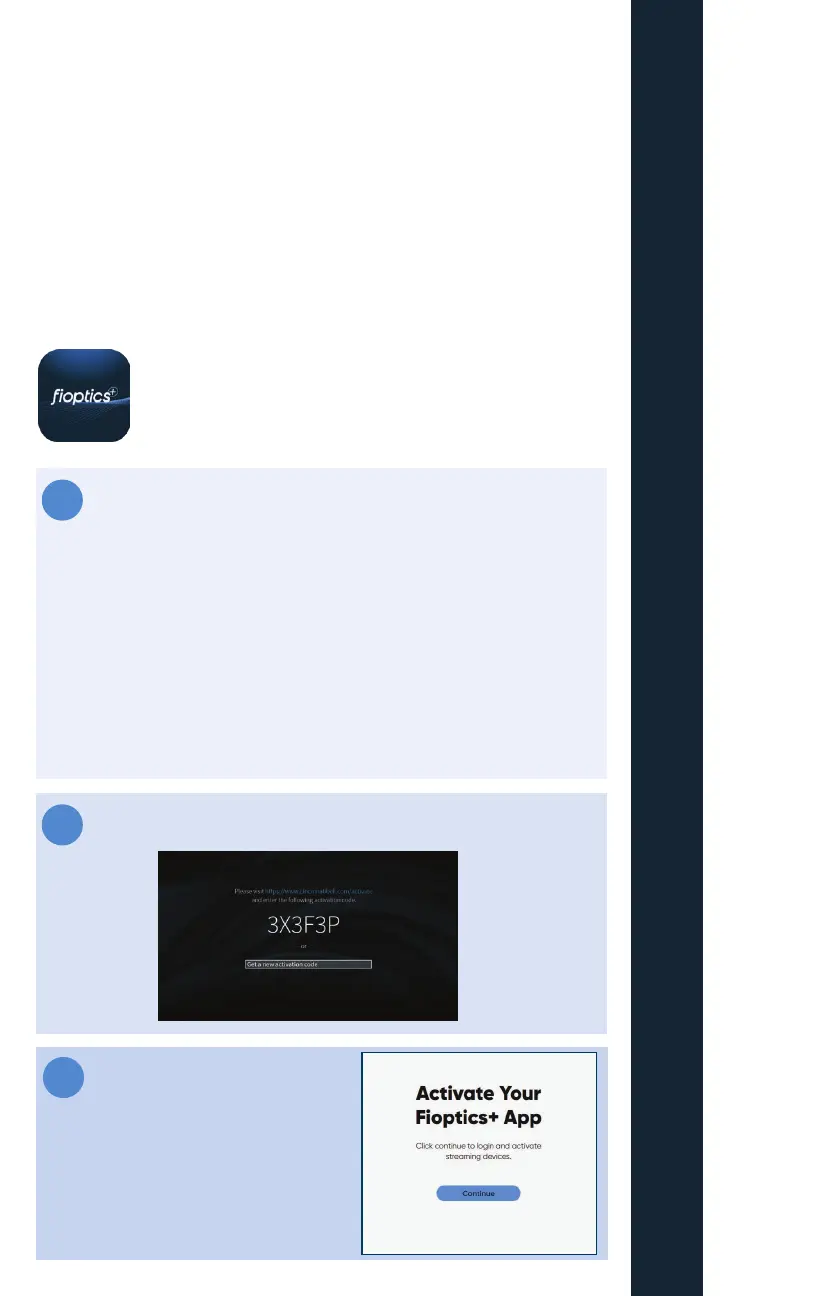
Launch the app. You will see the screen pictured below.
3
Log on to altafiber.com/activate



 To Next Page