3–2 Chapter 3: Software Installation
Installing the Development Kit
Cyclone V SoC Development Kit May 2013 Altera Corporation
User Guide
Installing the Development Kit
Perform these steps:
1. Download the Cyclone V SoC Development Kit installer from the Cyclone V SoC
Development Kit page of the Altera website. Alternatively, you can request a
development kit DVD from the Altera Kit Installations DVD Request Form page of
the Altera website.
2. Run the Cyclone V SoC Development Kit installer you acquired in “Software” on
page 1–1.
3. Choosing an installation directory that is relative to the Quartus II software
installation directory, follow the on-screen instructions to complete the installation
process.
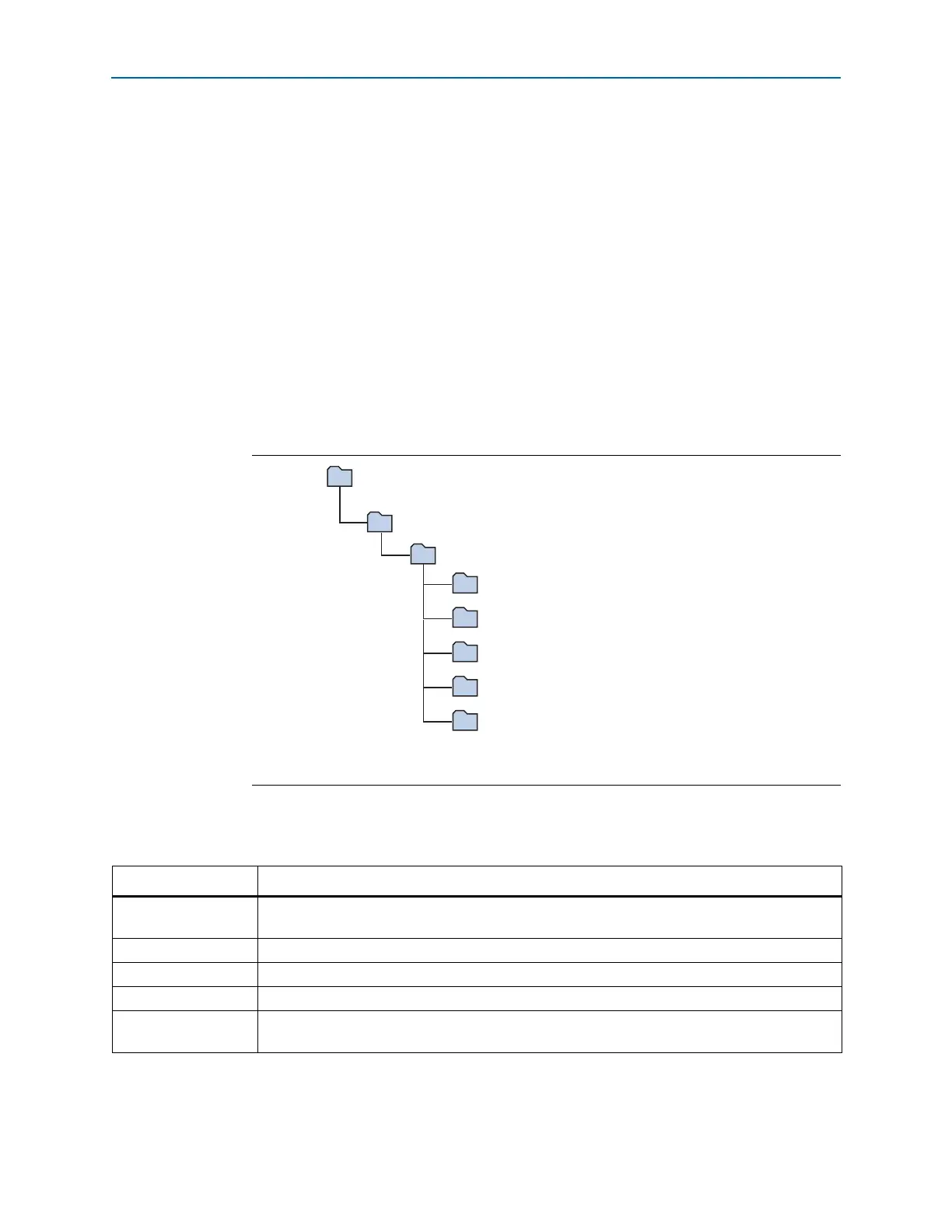
The installation program creates the Cyclone V SoC Development Kit directory
structure shown in Figure 3–1.
Table 3–1 lists the file directory names and a description of their contents.
Figure 3–1. Cyclone V SoC Development Kit Installed Directory Structure
(1)
Note to Figure 3–1:
(1) Early-release versions might have slightly different directory names.
<install dir>
documents
board_design_files
The default Windows installation directory is C:\altera\
<version>
\.
examples
factory_recovery
demos
kits
cycloneVSX_5csxfc6df31es_soc
Table 3–1. Installed Directory Contents
Directory Name Description of Contents
board_design_files
Contains schematic, layout, assembly, and bill of material board design files. Use these files as a
starting point for a new prototype board design.
demos Contains demonstration applications.
documents Contains the kit documentation.
examples Contains the sample design files for the Cyclone V SoC Development Kit.
factory_recovery
Contains the original data programmed onto the board before shipment. Use this data to restore
the board with its original factory contents.



 To Next Page