6–12 Chapter 6: Board Test System
Using the Board Test System
Cyclone V SoC Development Kit May 2013 Altera Corporation
User Guide
The HSMC Tab
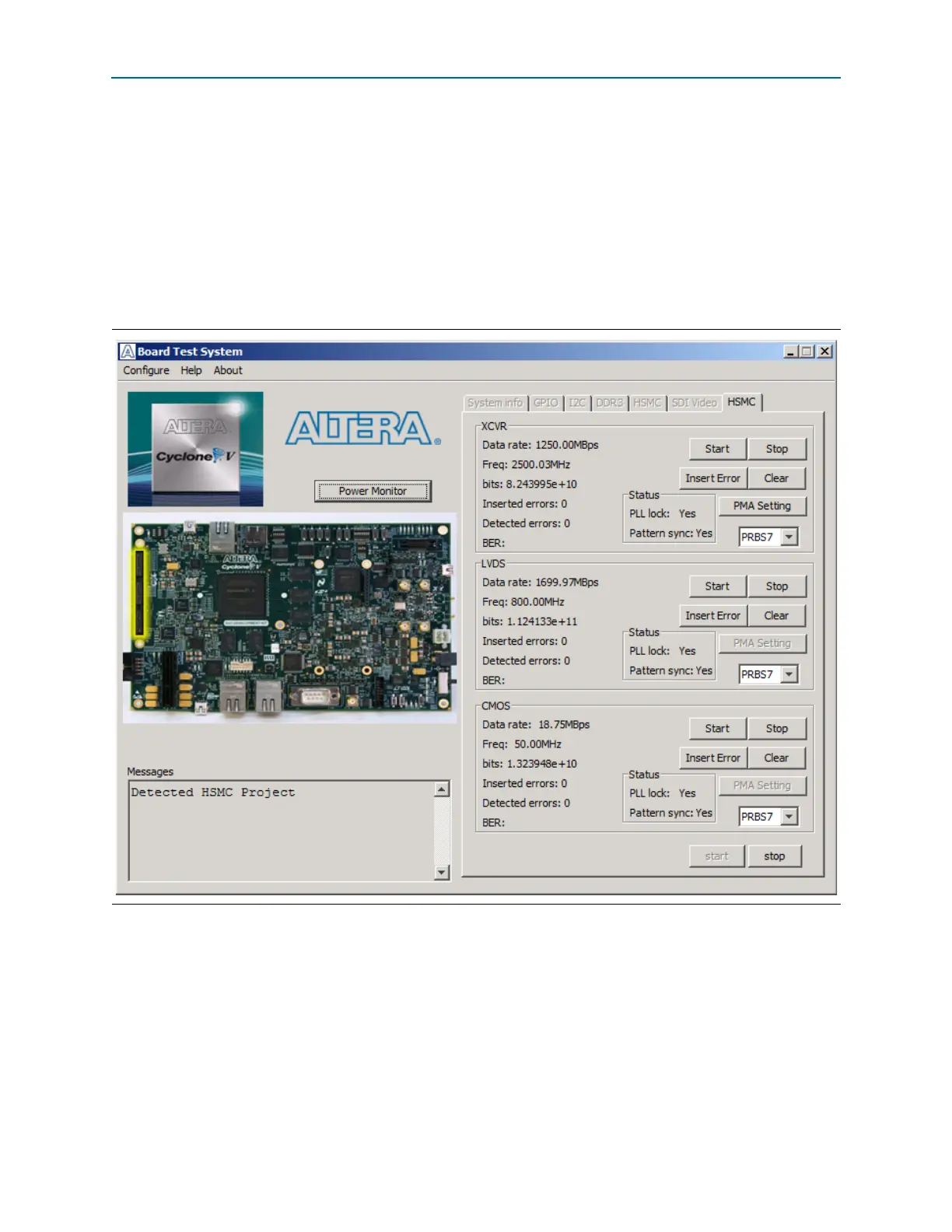
The HSMC tab allows you to perform loopback tests on the XCVR, LVDS, and CMOS
ports. Figure 6–6 shows the HSMC tab.
1 This tab requires that a bts.ini file with
QTS=ON
specified at the 1st line reside in the
same directory as BoardTestSystem.exe. Removing or renaming this file will run an
older version of this tab, which is grayed out by default. See the readme.txt in that
same directory for more information.
1 You must have the loopback HSMA installed on the HSMC Port A connector that you
are testing for this test to work correctly.
The following sections describe the controls on the HSMC tab.
Start, Stop
The Start and Stop controls at the bottom-right of this tab allow you to start and stop
testing for all three ports.
Figure 6–6. The HSMC Tab



 To Next Page