May 2013 Altera Corporation Cyclone V SoC Development Kit
User Guide
6. Board Test System
The development kit includes an application called the Board Test System (BTS) and
related design examples. The BTS provides an easy-to-use interface to alter functional
settings and observe the results. You can use the BTS to test board components,
modify functional parameters, observe performance, and measure power usage.
(While using the BTS, you reconfigure the FPGA several times with test designs
specific to the functionality you are testing.)
To install the BTS, follow the steps in “Installing the Development Kit” on page 3–2.
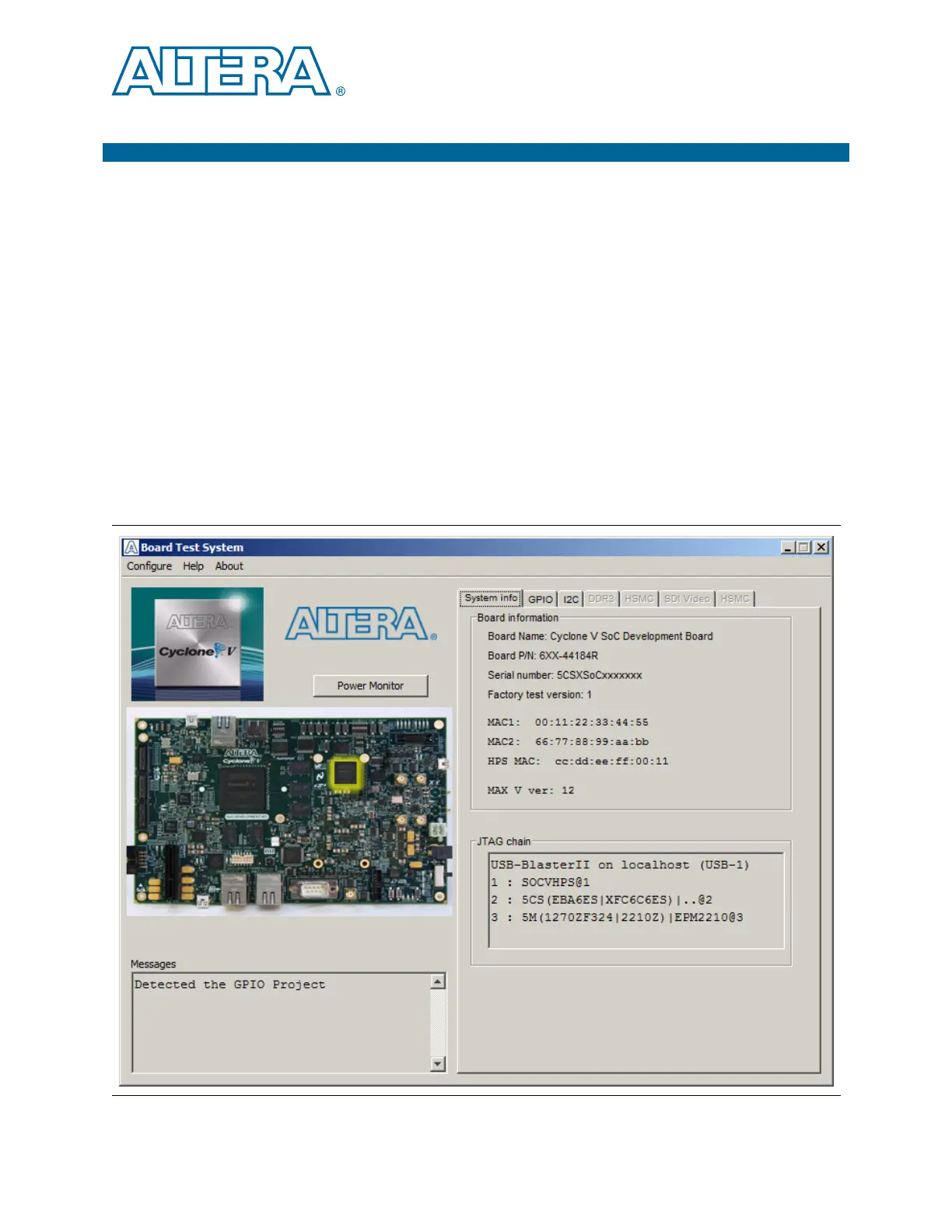
The Board Test System GUI communicates over the JTAG bus to a test design running
in the Cyclone V device. Figure 6–1 shows the initial GUI for a board that is in the
factory configuration.
1 Look for yellow highlights in the board picture around the corresponding
components for each tab.
Figure 6–1. Board Test System Graphical User Interface



 To Next Page