MaxCommunicator Manual 79
Installation
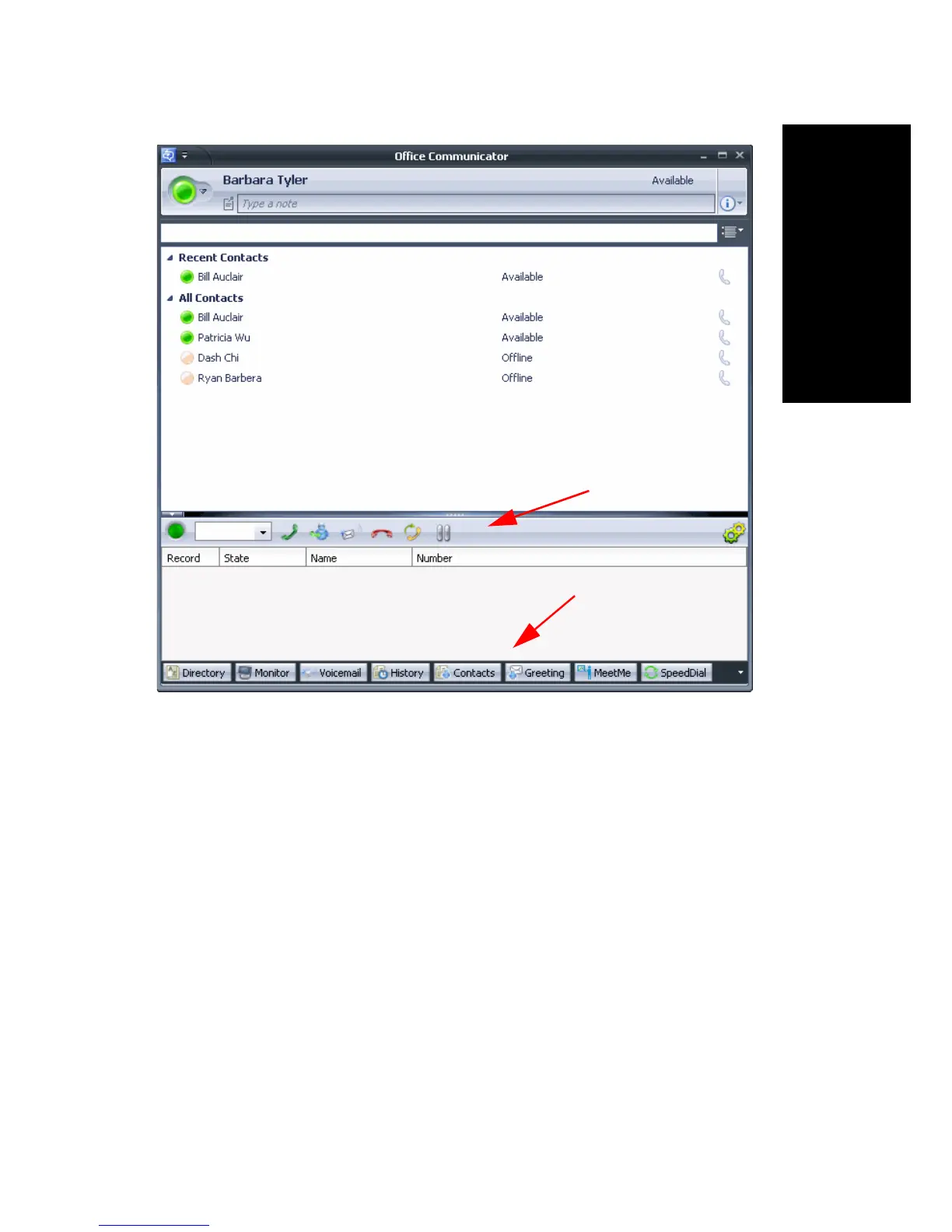
Figure 1. MaxCommunicator running in Office Communicator
The toolbar is different in the following ways:
•No Activity drop-down list. Set your activity state in Office
Communicator, and it’s reflected in MaxCommunicator. (Busy =
Meeting in MaxCommunicator, and Be Right Back = Away).
• No pop-up keypad beside the dialer box.
• DND Off/On is not on the toolbar. You can add it to the toolbar in the
Toolbar Customization dialog box (right-click the toolbar and click
Customize). Your setting for DND in MaxCommunicator is reflected
in Office Communicator.
•No Voicemail shortcut button.
•No State (Top/Normal/Bottom) button.
MaxCommunicator call information panel
MaxCommunicator toolbar
MaxCommunicator
tabs



 To Next Page