80 MaxCommunicator Manual
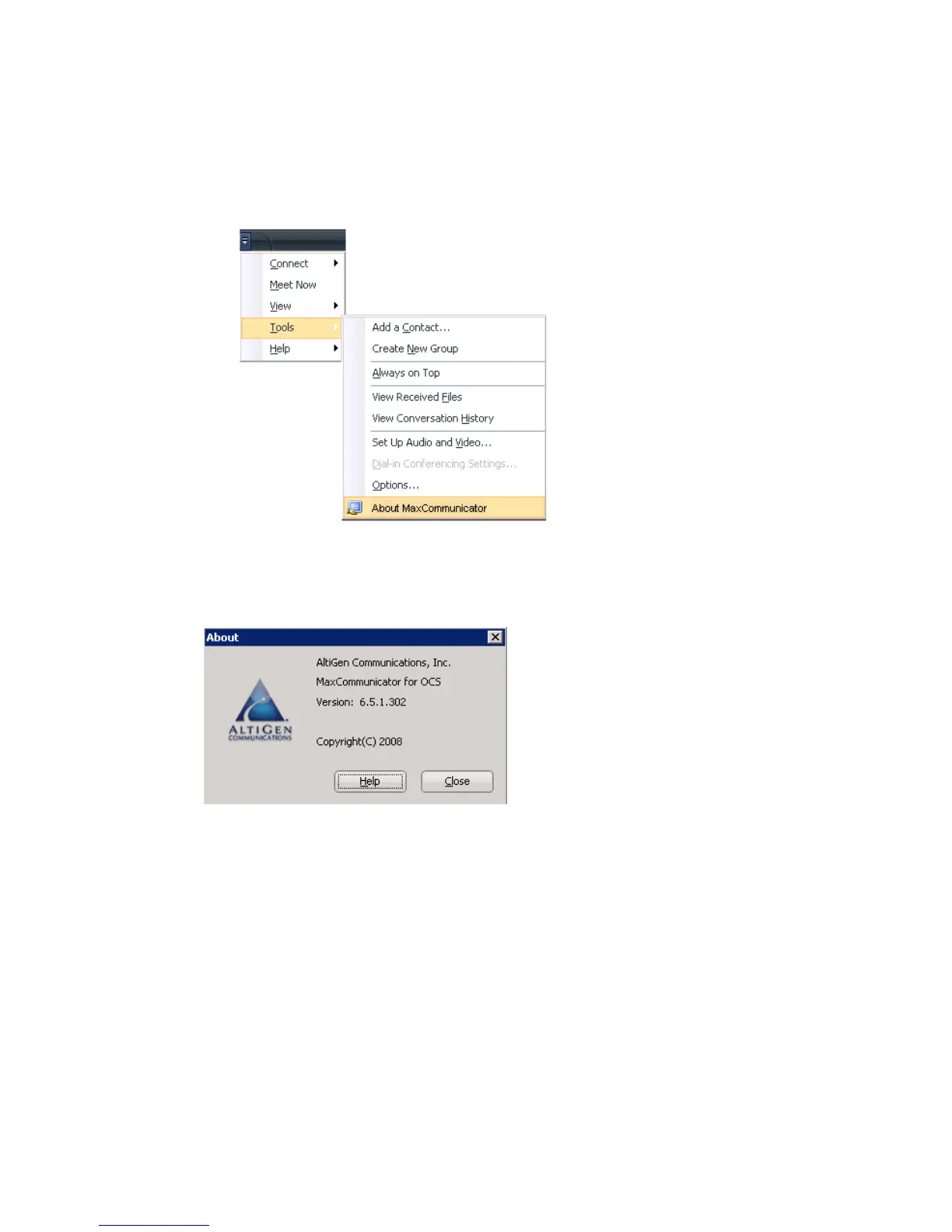
•No Help button. Instead, to access MaxCommunicator help, left click
on the Office Communicator “Show menu” button, and select Tools >
About MaxCommunicator:
Figure 2. Accessing help for MaxCommunicator
The About box opens.
The call information pane is different in the following way:
•Only the Record, State, Name and Number columns are visible by
default. You can make other columns visible by right-clicking a
column heading and selecting the columns you want to see.
In the About
box, click the
Help button.



 To Next Page