Settings
24
AMALOG BAH0017.1 11.08
6.1.1 Entering working width
1. Press
key.
→ Display: Stored working width [m].
2. Set working width [m] with the
keys and
(e.g. 3.00 for 3 m working width).
3. Press
key.
→ Store the selected value.
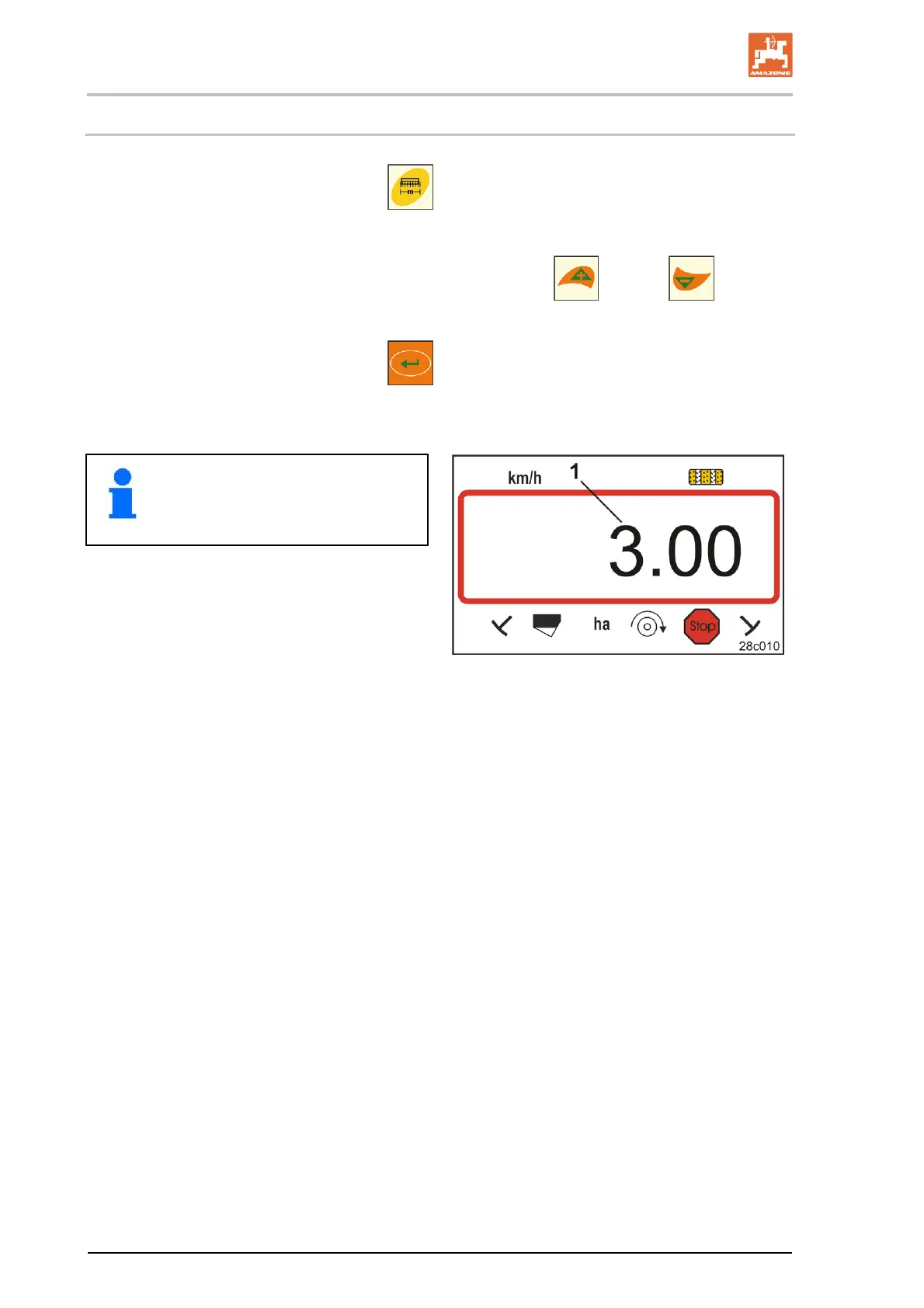
Display (Fig. 20/1):
Working width, e.g. 3.0 m
Fig. 20


 To Next Page