35
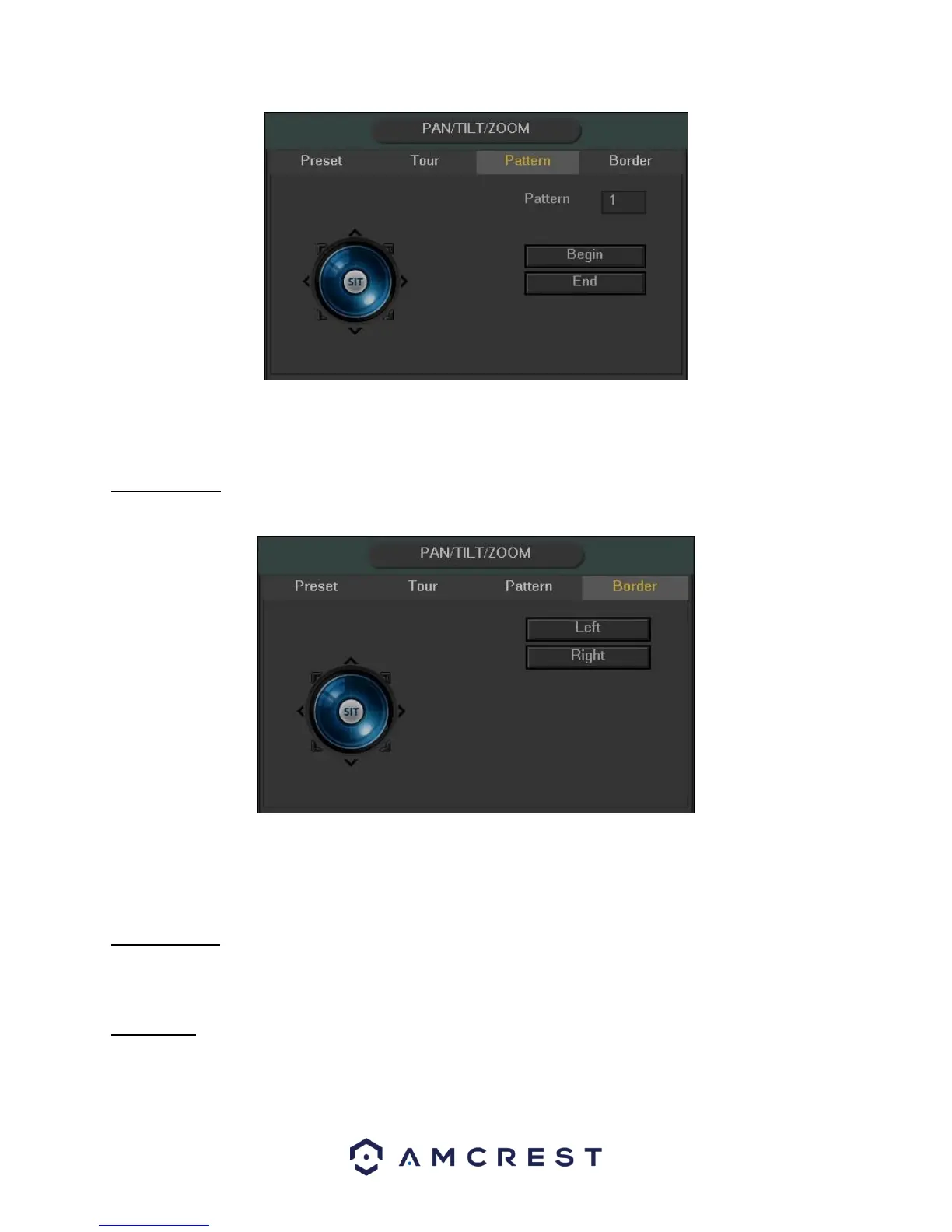
To create a pattern, click Begin, then use the PTZ controls to move the camera around. Once finished, click End to
end and save the pattern. During the use of pattern mode, zoom/focus/iris cannot be modified.
4.4.2.4 Border
The border function allows for constraining the area of movement for the cameras during any PTZ function.
To set up borders, move the camera using the PTZ controls to the left limit, then click Left to designate that
position as the left limit. Then move the camera to the right limit, and then click Right to designate that position as
the right limit.
4.4.2.5 Rotate
The rotate button enables camera rotation.
4.4.2.6 Flip
The flip button flips the present camera configuration on a vertical axis.



 To Next Page