USING THE OTOWAVE 302+
29 OTOWAVE 302+ INSTRUCTION FOR USE
Overwrite the sweep settings of your current profile from one of the other
5 profiles. Refer to section 4.4.3 for further information about the Copy
function.
Access the system settings from the HOME screen.
Set the internal clock date and time. Use the ◄ and ► keys to select a
field and the ▲ and ▼ keys to adjust the value.
Adjust the time when the device goes into energy saving mode (0, 30, 60
s) using the ▲ and ▼ keys.
Adjust the display contrast using the ▲ and ▼ keys.
Adjust the display brightness using the ▲ and ▼ keys.
Select PRINT CAL. DATES to show the calibration dates on the print-out
provided by the thermal printer.
Set the format of how the date is displayed: DD/MM/YY or MM/DD/YY
Allows the Hospital name to be entered. The name will appear at the top
of the print-out.
Allows the Department name to be entered. The name will appear at the
top of the print-out.
Reset the instrument and all profiles to the original settings.
Change the operation language to English, German, French, Spanish,
Portuguese or Italian.
Please note: When changing the language, the profile names will
default to English.
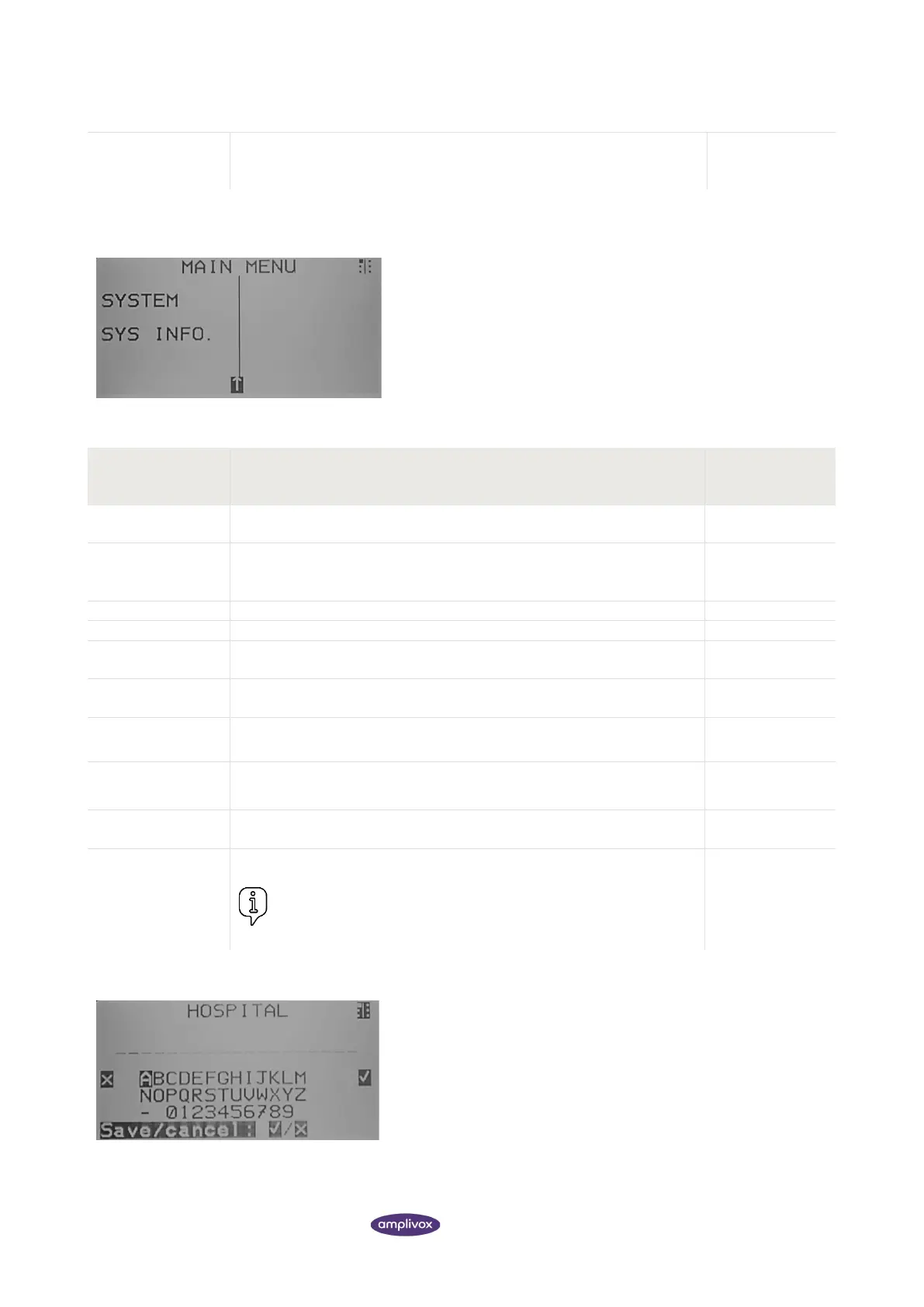
Data entry of Hospital Name and Department:
To enter the data use the ▲ ▼ ◄ and ► keys to select a character.
Press and hold the ► key to enter the selected character. To delete
the last character, press and hold the ◄ key.
In order to save the entry, press S4 (a). The selection will now be
stored.
To cancel the entry, press S2 ( x ). You will be brought back to the
SYSTEM SETTINGS.



 To Next Page