USING THE OTOWAVE 302+
38 OTOWAVE 302+ INSTRUCTION FOR USE
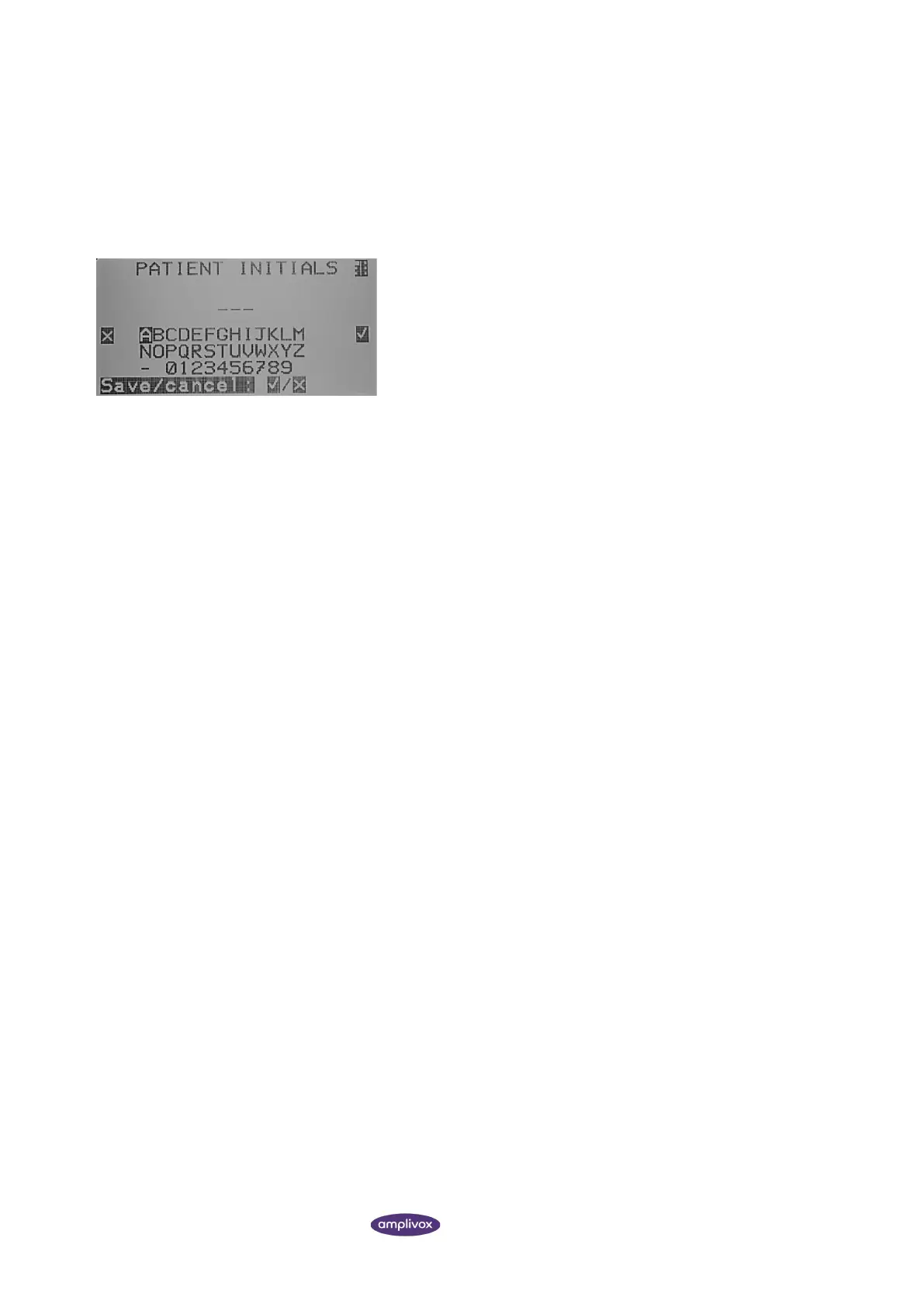
A three-character identifier is used for the record. This is also used as the reference for the patient’s name on the printed
record and for data transferred to a computer.
The identifier would typically be the patient’s initials, and as the tympanometer uses a combination of this identifier
and the date/time of a test to refer to stored records this same identifier may be used for different tests for the same
patient.
To enter the data, use the ▲ ▼ ◄ and ► keys to select a character.
Press and hold the ► key to enter the selected character. To delete
the last character, press and hold the ◄ key.
In order to save the entry, ensure all three identifier characters have
been entered and then press S5 (a). The selection will now be stored.
You will then be brought back to the PROCESS RESULTS screen. The
save record option is now removed.
To cancel the entry, press S2 ( x ) You will be brought back to the
PROCESS RESULTS screen.



 To Next Page