SM-4 Series Stereo Microscope
AmScope Proprietary Page 7 of 37
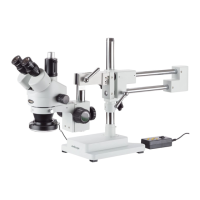
2.2.1 Assemble the Boom Stand
1. Insert the pillar into the base stand.
2. Screw in the pillar very securely.
3. The knob on the pillar adjusts the vertical
movement of the arm. Loosen the knob on the
protective collar to move the collar up and down.
4. Adjust the collar to a medium height for
installation.
5. Tighten the knob to secure.













 To Next Page