24 Installation AXB-F117 Stealth 1 Camera Controller
Setting the adjustable tilt-limit stops
To set the adjustable tilt-limit stops:
1. Ensure that there is enough slack in the lens, camera, and AXB-F117 AXlink
cables to accommodate the full range of pan/tilt motion.
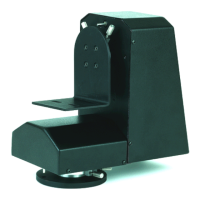
2. Loosen the adjustable tilt-limit stops shown in Figure 30.
3. Using the control panel, tilt the AXB-F117 up until you reach the desired tilt-
up limit position.
4. Locate the adjustable tilt-limit stop on the right side of the AXB-F117, and
move it until it makes contact with the tilt-limit switch.
a. Move the adjustable tilt-limit stop slightly farther until you hear a click.
The click indicates the tilt-limit switch is engaged.
b. Tighten the adjustable tilt-limit stop.
5. Using the control panel, tilt the AXB-F117 down until you reach the desired
tilt-down limit position. Then, repeat step 4 to set the left adjustable tilt-limit
stop.
6. Tilt to both stop positions and ensure the tilt-limit stops are set correctly. Then,
make sure both adjustable tilt-limit stops are properly tightened.


 To Next Page
 Loading...