Chapter 1: Introducing Your New N8000
N8012 N-Command Controller
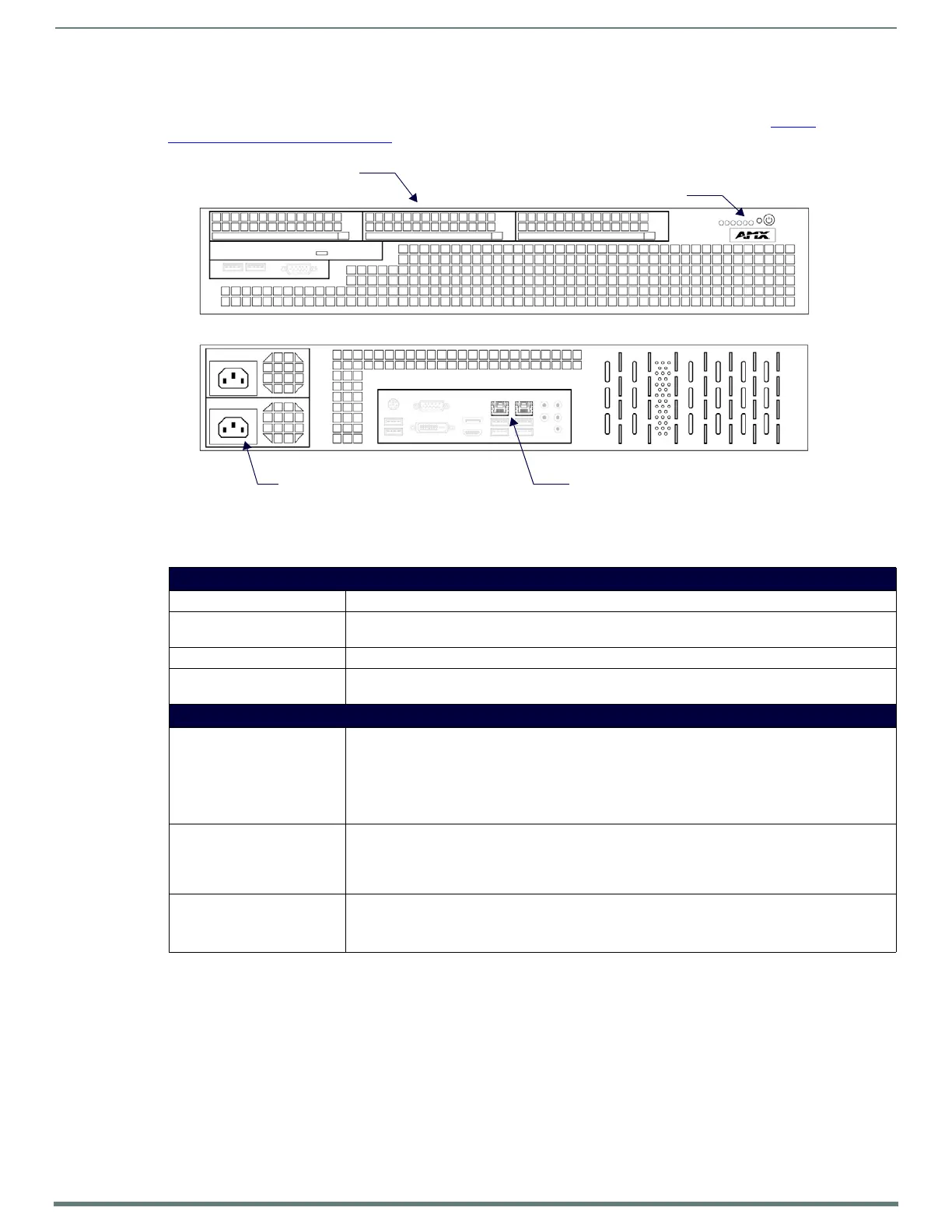
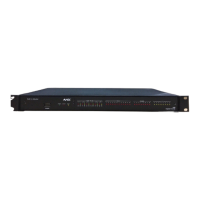
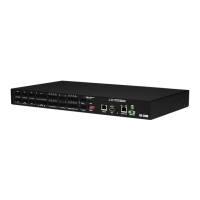
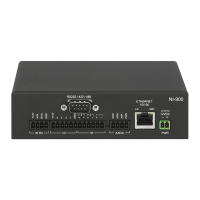
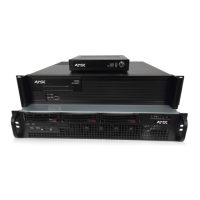
The N8012 is built from a standard computer, but not all buttons, LEDs, and connectors are enabled. Refer to Figure 3 as well as the
Front and Rear Panel Descriptions
table on page 8 for hardware details on the N8012 N-Command Controller.
FIG. 3
N8012 Front and Rear Panel
TABLE 2 Front and Rear Panel Descriptions
Front Panel
ON/OFF button Press to turn unit on or off.
POWER indicator For the N8001, the power button illuminates green when power is on. For the N8002/N8012 the power
LED turns solid (blue) when power is on.
HDD LED On flashing (red) when there is software activity. (N8002 only.)
Solid-State Hard Drives Three 128 GB solid-state hard drives that are configured in a raid configuration, allowing for swapping
in the event of failure. (N8012 only.)
Rear Panel
RJ-45 ports
- One on the N8001
- Two on the N8002 and N8012
ETH 0 (N8002, N8012):
8-wire RJ45 female. 10/100/1000 Mbps 10/100/1000Base-T auto-sensing gigabit Ethernet switch
port. Can be used to connect to a separate corporate LAN.
ETH 1 (N8001, N8002, N8012):
8-wire RJ45 female. 10/100/1000 Mbps 10/100/1000Base-T auto-sensing gigabit Ethernet switch
port. Must be connected to the network in order to provide device and user control.
Power Input N8001:
Comes with an AC power brick. Input is 120V - 240V. Output is 12V/5A.
N8002/N8012:
120 Volt AC power input for external power supply.
Power On/Off Switch Use to apply or remove power to the unit from the power supply (N8002 only).
NOTE: This On/Off switch should only be used to disconnect the N8002 from main power once it
has been properly shut down. Use the on/off button on the front of the unit for proper shut down.
On/Off Switch and Indicators
Two RJ-45 auto-sensing
Power Inputs
gigabit ethernet ports
(Eth0 on the left and Eth1 on the right)
Three solid-state hard drives (swappable)



 To Next Page