English - 122 -
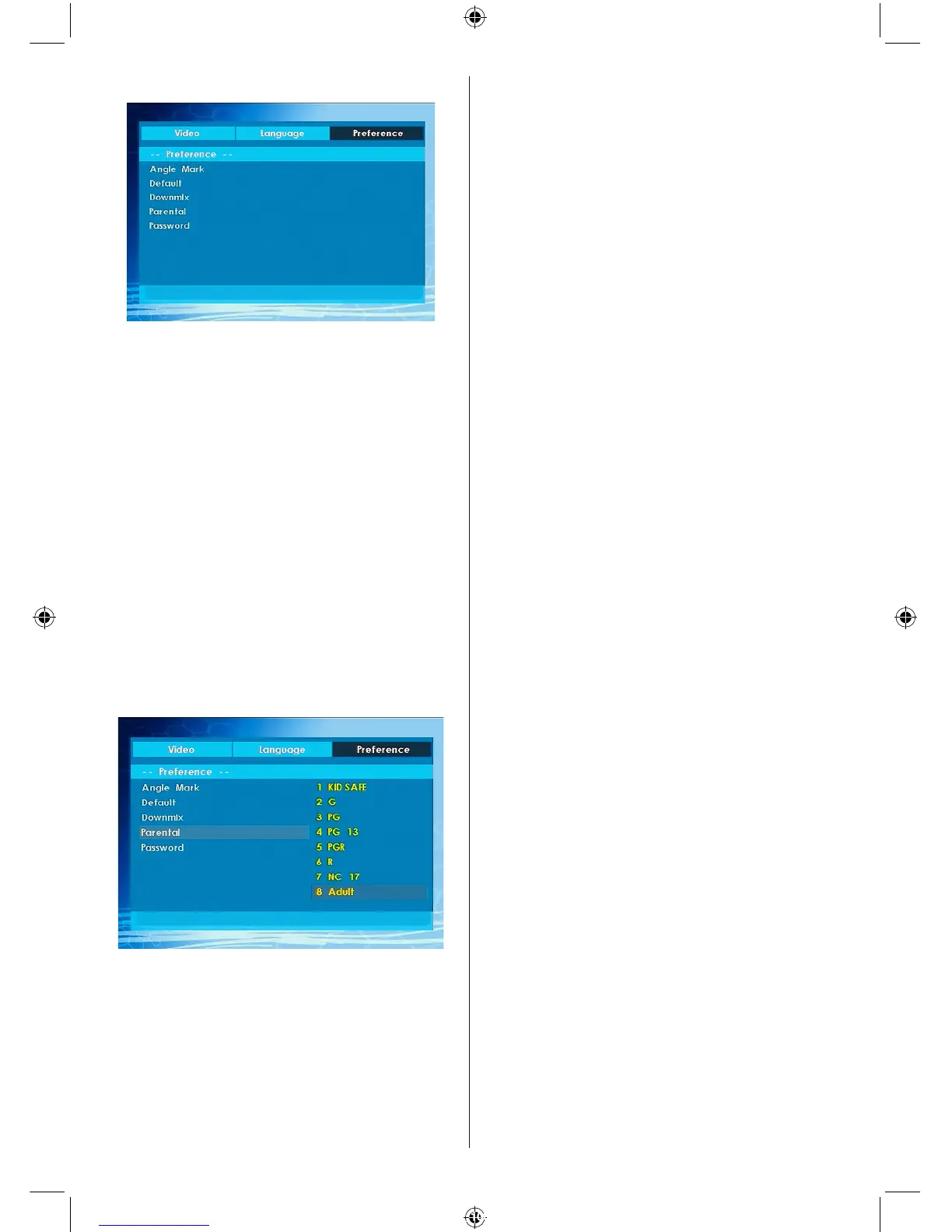
PREFERENCES
ANGLE MARK
This option allows you to turn on /off the angle
mark on the screen, which is displayed to
indicate that a multi angle scene has started.
It also shows which angle you are currently
watching.
DEFAULT
If you choose RESET and press SELECT, the
factory-presets are loaded. Parental level and
parental password does not change.
DOWNMIX
This mode can be selected when the digital
audio output of the TV is used.
SURROUND: Surround sound output.
STEREO: Two channels stereo.
PARENTAL (Parental Level)
Playing some DVDs can be limited depending
on the age of users. The “Parental Control”
function allows playback limitation level to be
set by the parent.
Parental Level can be adjusted to one of the
eight levels. Level “8 ADULT” adjustment let
you watch all of the DVD titles ignoring the DVD
disc’s parental level. You can watch the DVD
discs, which has the same or lower parental
level than the player’s level only.
PASSWORD (Change Password):
Using this item you can change the current
password.
To change the password you will be prompted to
enter your old password. After you have entered
your old password, you can now enter the new
4-digit password.
You can use C key to delete the incorrect
entry.
Note: Factory preset of the password is “0000”. You
have to enter XXXX digital password every time you
want to change the parental level. If you forget your
password please contact technical service.



 To Next Page