English - 84 -
The information banner gives information on
the channel selected and the programmes on
it. The name of the channel is displayed, along
with its channel list number and an indication of
the strength of the signal received.
Hint: Not all channels broadcast the programme
data. If the name and time of the programme are
not available, then “No Information Available” will be
displayed in the information banner.
• Icons are also displayed in the information
banner and if this channel is a favourite
channel, favourite channel icon will also be
displayed.
If the selected channel is locked, you must
enter the correct four numeric code to view the
channel. “ Enter Lock Key ” will be displayed on
the screen in such a case:
Electronic Programme Guide
(EPG)
• Some, but not all, channels send information
about the current and next events.
• Please note that event information is updated
automatically. If there is no event information
data available in channels, only channel
names with “No Information Available” banner
is displayed.
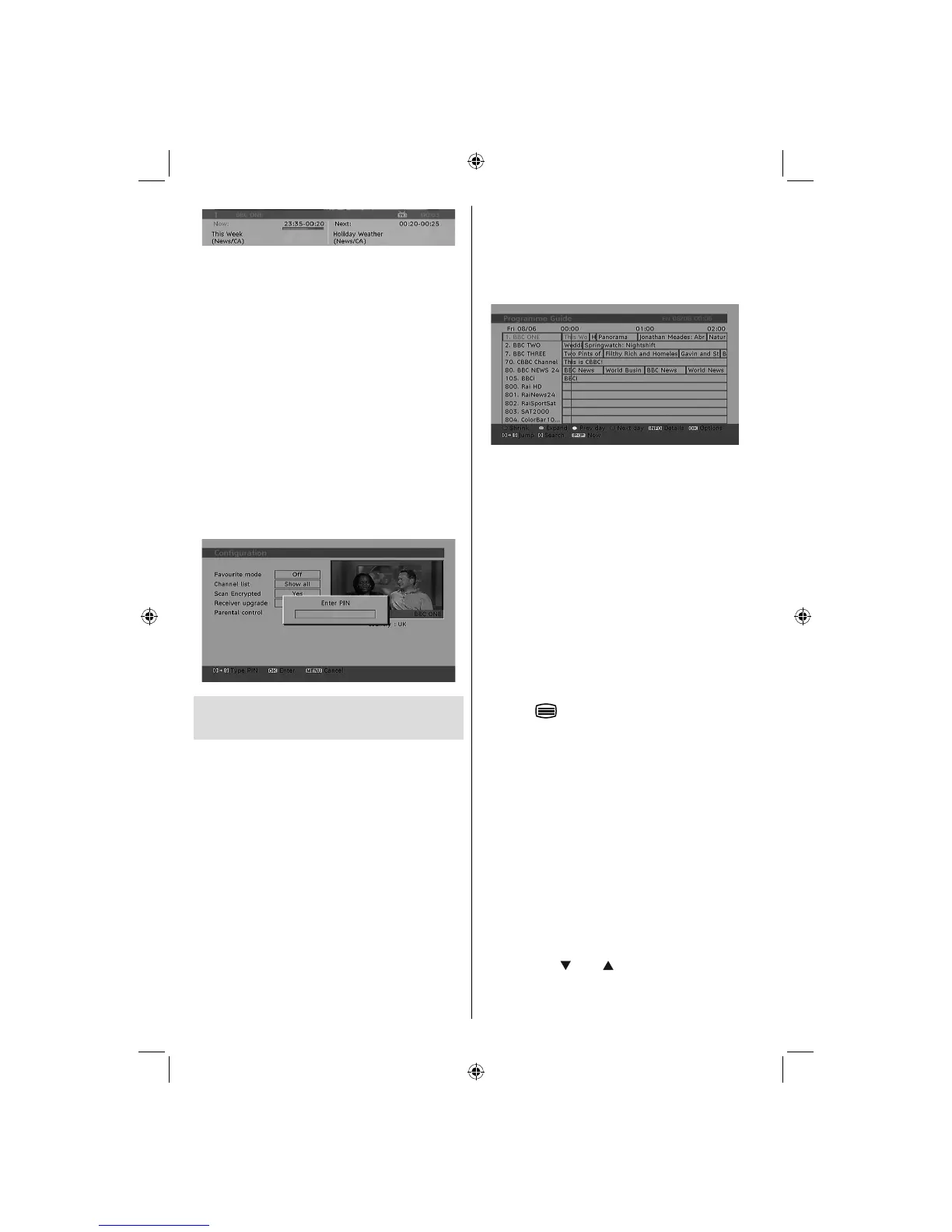
• Press GUIDE button to view the EPG menu.
• Electronic Programme Guide appears on the
screen. It is able to get Information of the
channel - programs weekly by means of 7-DAY-
EPG. All programs of channels are displayed.
The current program is highlighted and there
is brief information about the programs of
the channel, such as: name, short/extended
event description, start & end time. The time
scale can be changed by pressing left or right
buttons. If there is any event information data
available, only programme names and dates
are displayed. On the bottom of the screen;
info bar, showing all the available commands,
will be displayed.
RED button (Shrink) : makes the info boxes
smaller.
GREEN button (Expand) : makes the info
boxes larger.
YELLOW button (Prev. Day) : displays the
programmes of previous day.
BLUE button (Next day) : displays the
programmes of the next day.
INFO (Details) : displays the short extended
programmes in detail.
Numeric buttons (Jump) : go to preferred
channel directly via numeric buttons.
OK : views options for future programmes.
P<P : jumps to the current boradcast.
• Press
button to view Guide Search
menu. Using this feature, you can search the
programme guide database in accordance
with the genre selected. Info available in the
programme guide will be searched and results
matching your criteria will be listed.
Note: Searching process can be performed by the
desired date rate or by the channel basis.
Displaying Subtitles
With digital terrestrial broadcasting (DVB-T),
some programmes are broadcast with subtitles.
Subtitles can be displayed while watching these
programmes.
Press the “ MENU ” button to display the main
menu, highlight the Setup and then Language
menu using “
” or “ ” button and press the
OK button to display the “Language settings”
menu.
A02_MB25 [GB] (01-TV)_19855W_1900UK_IDTV_NICKEL5_10061155_50141077.indd 21A02_MB25 [GB] (01-TV)_19855W_1900UK_IDTV_NICKEL5_10061155_50141077.indd 21 25.02.2009 17:08:1525.02.2009 17:08:15



 To Next Page