CNC Motion Setup/Testing Utility
P/N 70000635C
Checking Axis Resolution (F2)
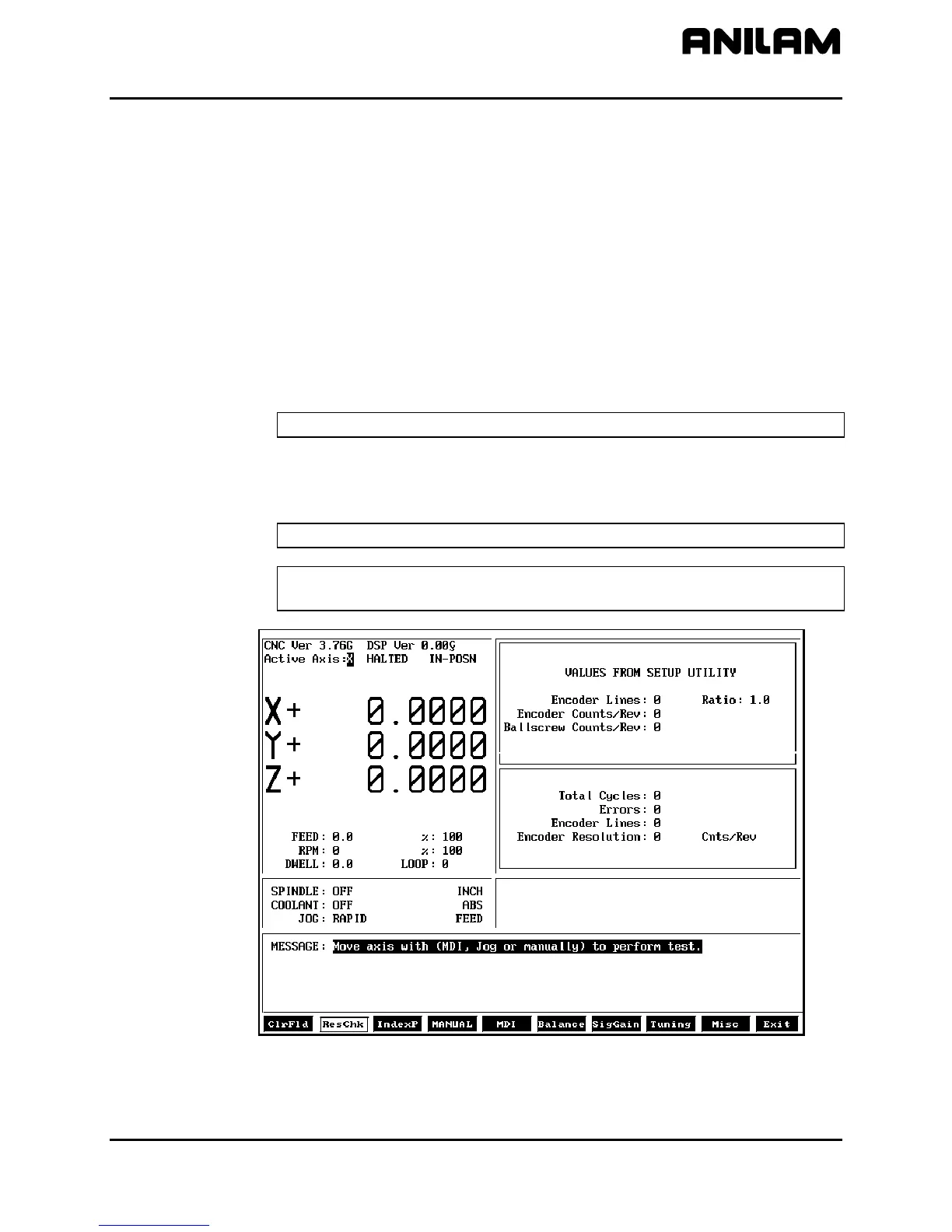
Refer to Figure 2. Press ResChk (F2) to calculate the actual resolution
for the active axis. In the Graphics Area of the screen, the actual
resolution and the resolution in the Setup are displayed for comparison.
In addition the screen displays:
• The number of times the system tested for resolution (Total Cycles:).
• The number of times that the encoder lines detected do not match the
number of encoder lines in the setup (Errors:). An error indicates that
something is wrong, either in the setup parameters or in the hardware.
• The actual number of encoder lines found by the test (Encoder Lines:)
• The resolution and counts per revolution found. (Encoder
Resolution:)
NOTE: Resolution should be four times the number of encoder lines.
Once this test is activated, the user must move the axis for at least two
encoder revolutions via MDI Mode, Jog Mode, or manual move. The
CNC performs the calculation continuously until motion stops.
NOTE: This test is not available for axes with linear scales.
NOTE: Do not perform this test during Rapid Mode. Use it in Feed
Mode only.
Figure 2, CNC Resolution Check (ResCheck) Screen
All rights reserved. Subject to change without notice.
November 2009
5



 To Next Page