2017/06 Rev. 2.0 81 EN
OptiBean (XL) Touch
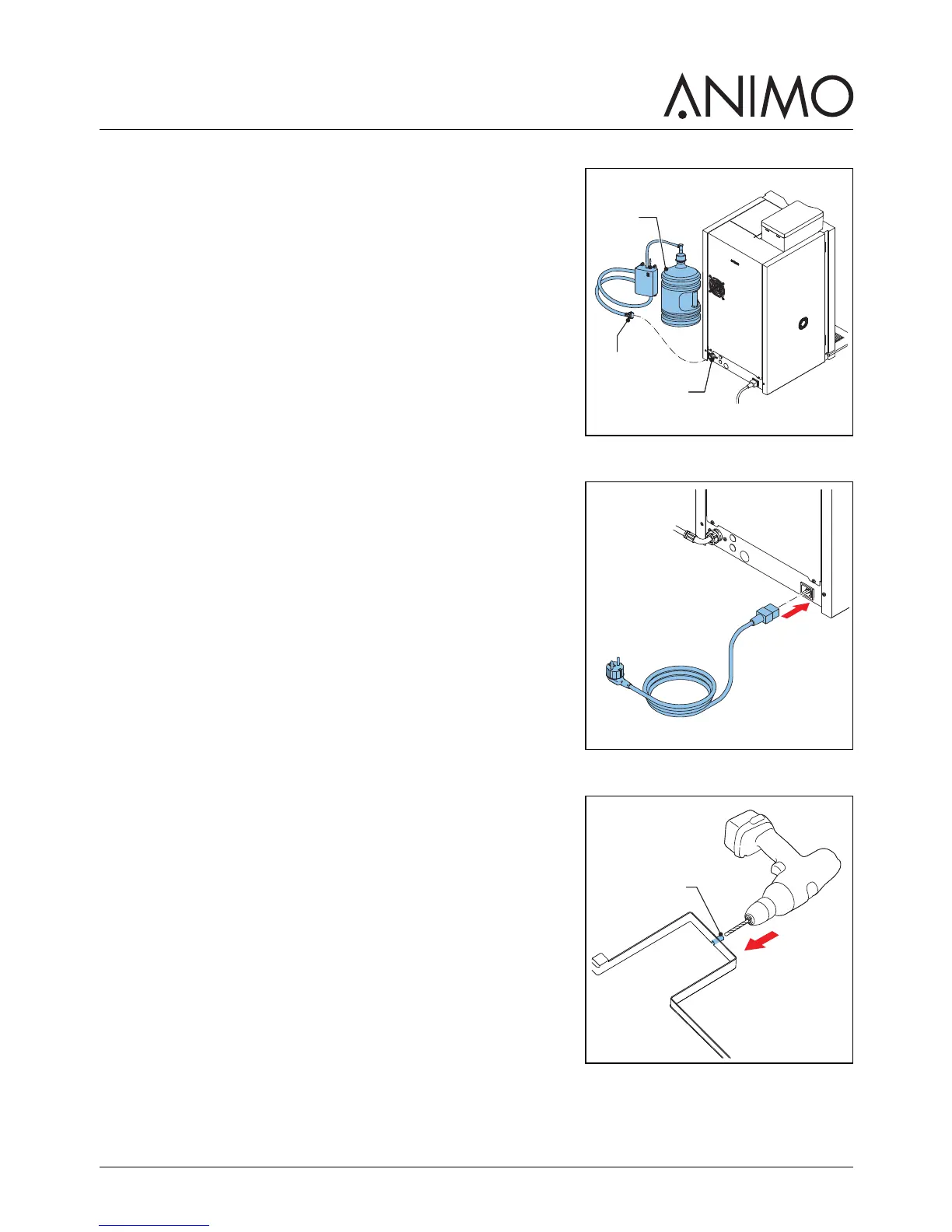
4 If necessary, connect the machine (A) with the hose (B) to
the stand-alone pump set (C).
5 Make sure that the minimal water pressure is not below 2 bar
(at 5 l/min flow pressure).
3.2.4 Electrical connection
1 Connect the power cord with the machine.
3.2.5 Drip tray discharge
1 Open the drip tray discharge (A) with a drill (Ø 6 mm).
2 Connect a waste hose to the drip tray.
A
B
C
A



 To Next Page