EN 82 2017/06 Rev. 2.0
OptiBean (XL) Touch
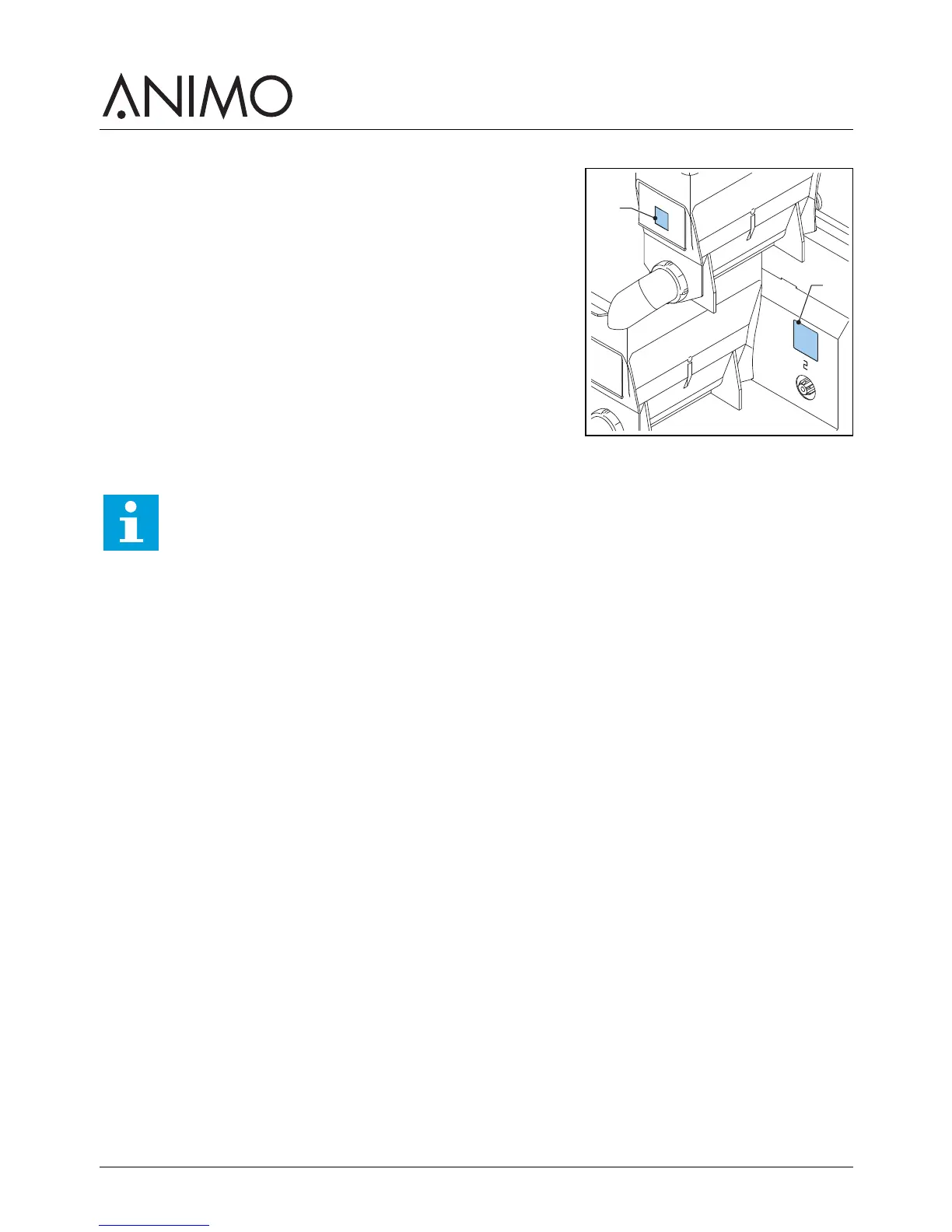
3.2.6 Applying the ingredient stickers
1 Open the machine door.
2 Place the stickers as shown (A & B).
3.2.7 Setting the software for first use
1 Contact your dealer if the settings of the software are incorrect.
3.2.8 Using the machine for the first time
1 Plug the machine into an earthed socket.
2 Switch on the machine and follow the instructions on the display.
3 Place a bowl (min. 1.5 l) under the outlet.
4 Use the touchscreen to select a recipe and dispense the beverage.
5 Check whether the taste and quantity is as desired.
6 Repeat the previous steps for every recipe to ensure all recipes are as desired.
7 If the taste or quantity is not as desired, inform your dealer.
A
B
Note
The software is set by your dealer. You do not have to set up the software for first use.



 To Next Page