EN 92 2017/06 Rev. 2.0
OptiBean (XL) Touch
5.2.4 Using the rinsing program
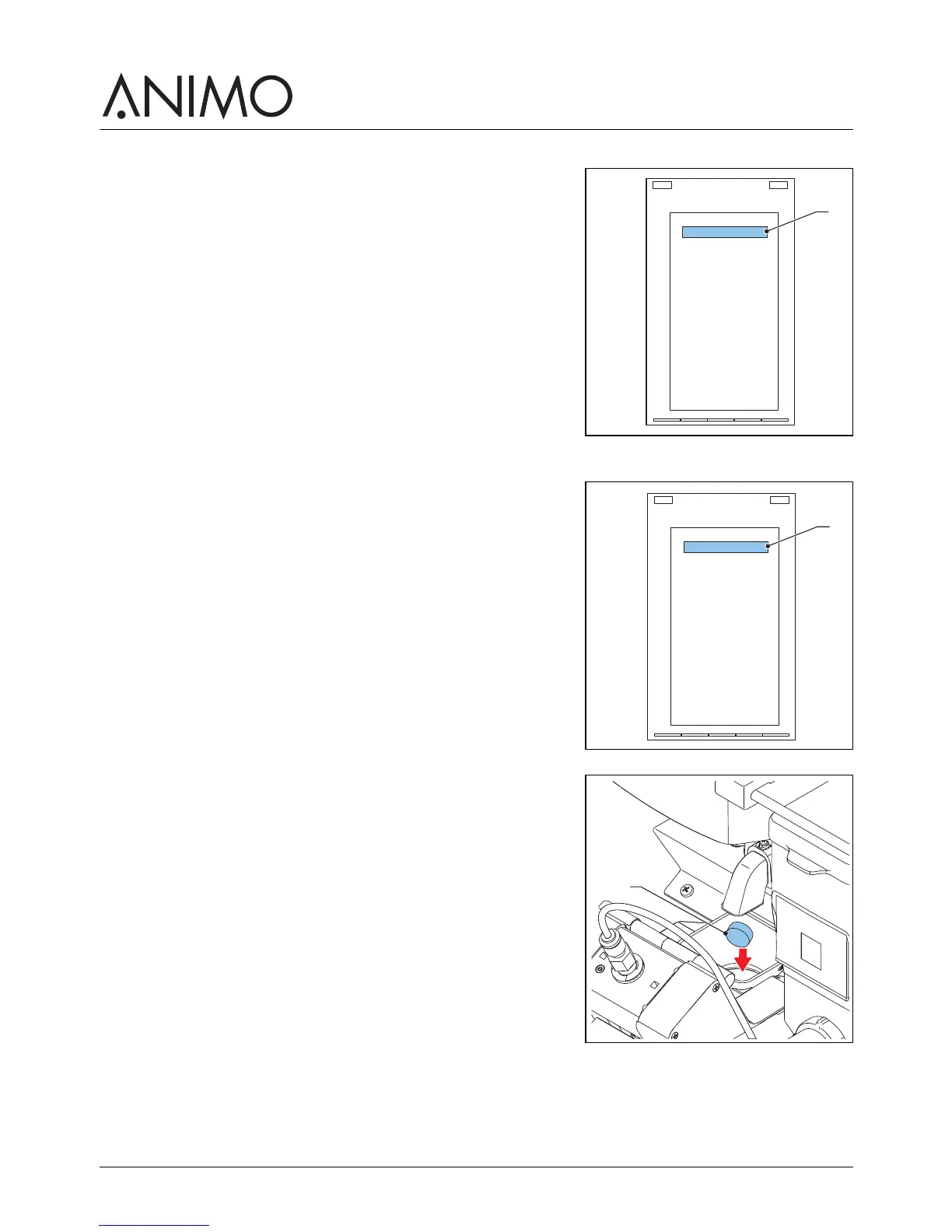
1 On the touchscreen, tap and hold your finger on ’make your
choice’ (A) for several seconds.
2 Tap ’Rinse’.
3 Place a bowl (min. 1.5 l) under the outlet.
4 Follow the instructions on the touchscreen.
5.2.5 Using the cleaning program
1 On the touchscreen, tap and hold your finger on the ’make
your choice’ (A) for several seconds.
2 Tap ’Clean’.
3 Follow the instructions on the touchscreen.
4 Put the cleaning product (B) in the brewer.
5 Close the door of the machine.
6 Place a bowl (min. 1.5 l) under the outlet.
7 Continue to follow the instructions on the touchscreen.



 To Next Page