EN 98 2017/06 Rev. 2.0
OptiBean (XL) Touch
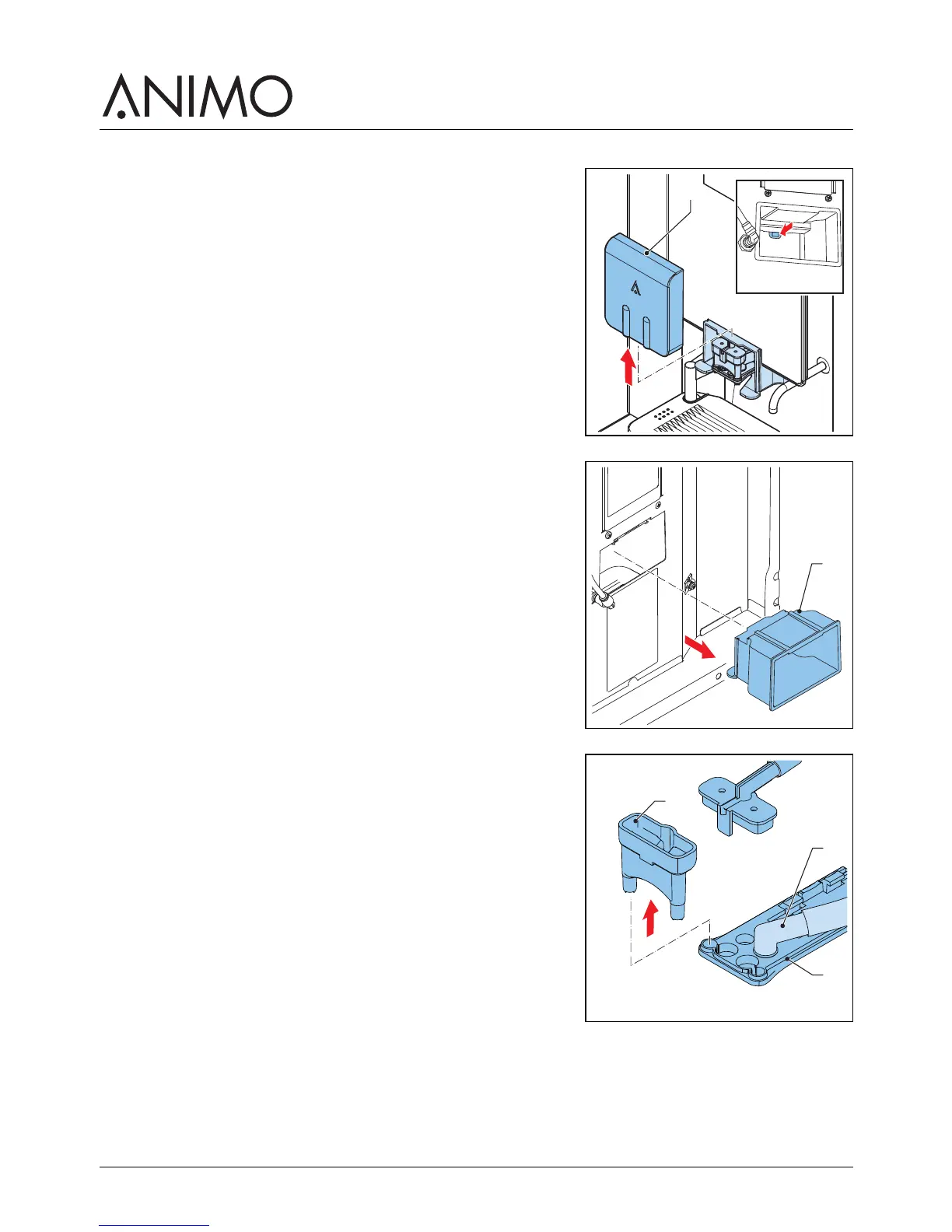
5.2.14 Cleaning the outlet
1 Open the machine door.
2 Remove the outlet front (A) while holding the tab at the back
of the front.
3 Take out the outlet housing (B).
4 Clean the outlet housing.
5 Replace the outlet housing.
6 Replace the outlet front.
7 Take out the splitter (C) and drink outlet (D) from the front
piece of the outlet arm (E).
A
B
E
D
C



 To Next Page