78
03/2010 Rev. 0.1
03/2010 Rev. 0.1
79
Service menu continued….
Main item Sub item Sub Range Description
2.7 Hardware test Inputs Temperature Boiler temp
Shows the status of the sensors/switches
indicated
Level sensors High Yes/no
Low Yes/no
Drip tray sensor Yes/no
Waste bin Yes/no
Door switch Yes/no
Brewer switch Yes/no
Key switch Yes/no
Outputs
Test by holding
in recipe button
11.
# During test the
display shows
the Nominal
current (mA)
When the
Nominal current
of a output rises
above the set
current *
mentioned output
will be shut off.
Caution: BM
goes through a
complete drinks
cycle.
KW1
400 mA
Inlet valve (Boiler)
DV1 Dispenser valve 1 (Brewer)
DV2 Dispenser valve 2 (Mixer 2)
DV3 Dispenser valve 3 (Mixer 3)
DV4 Dispenser valve 4 (Hot water)
DV5 Dispenser valve 5 (n/a)
DV6 Inlet valve 6 (Cold water) optional!
IM1 #
400 mA
1
Grinder motor 1 (Canister 1)
IM2 # Ingredients motor 2 (Canister 2)
IM3 # Ingredients motor 3 (Canister 3)
IM4 # Ingredients motor 4 (Canister 4)
IM5 # Ingredients motor 5 (Canister 5)
IM6 # Ingredients motor 6 (Canister 6)
BM # 800 mA Brewer motor
MM2 #
1000 mA
1
Mixer motor 2
MM3 # Mixer motor 3
Ventilator 200 mA Ventilator
LED’s LED’s
Calib. valves
Test by holding
in recipe button
11 (for 1 sec.)
to open the rel-
evant valve for
10 seconds.
DV1 15 ml / sec Calibrate to 150 ml (10 sec x 15 ml)
DV2 15 ml / sec Calibrate to 150 ml (10 sec x 15 ml)
DV3 15 ml / sec Calibrate to 150 ml (10 sec x 15 ml)
DV4 20 ml / sec Calibrate to 200 ml (10 sec x 20 ml)
DV5 20ml / sec. Calibrate to 200ml (10sec. x 20ml)
(Optional valve for Brewer By-pass)
DV6 42 ml / sec Inlet valve cannot be calibrated ( xed ow)
Service menu continued….
Main item Sub item Item Description
2.8 Read log Saves last 20 error messages, including date and time
2.9 Clear log Are you sure? Clears log
2.10 Load defaults
# See chapter 3.2
Model code system
Model #
OF1K xx00
OF2K xx00
OF3K xx00
OF4K xx00
OF5K xx00
OF6K xx00
OF7K xx00
OF8K xx00
OF9K xx00
OFAK xx00
Are you sure?
When a new circuit board is introduced it is necessary to load
defaults. When loading defaults it must be stated on the OptiFresh
model plate. The correct model settings are not loaded until the
question ‘Are you sure?’ has been con rmed.
Attention:
Before you start changing the button- and/or receipt- settings, first
close the service menu, only after re-entering the service menu the
new model settings will be activated.
When you con rm this setting all loaded factory settings and
changed programmed values will be lost.
After loading defaults the PIN code reverts to 2-2-2-2-2 and the
language reverts to English. Change if necessary.
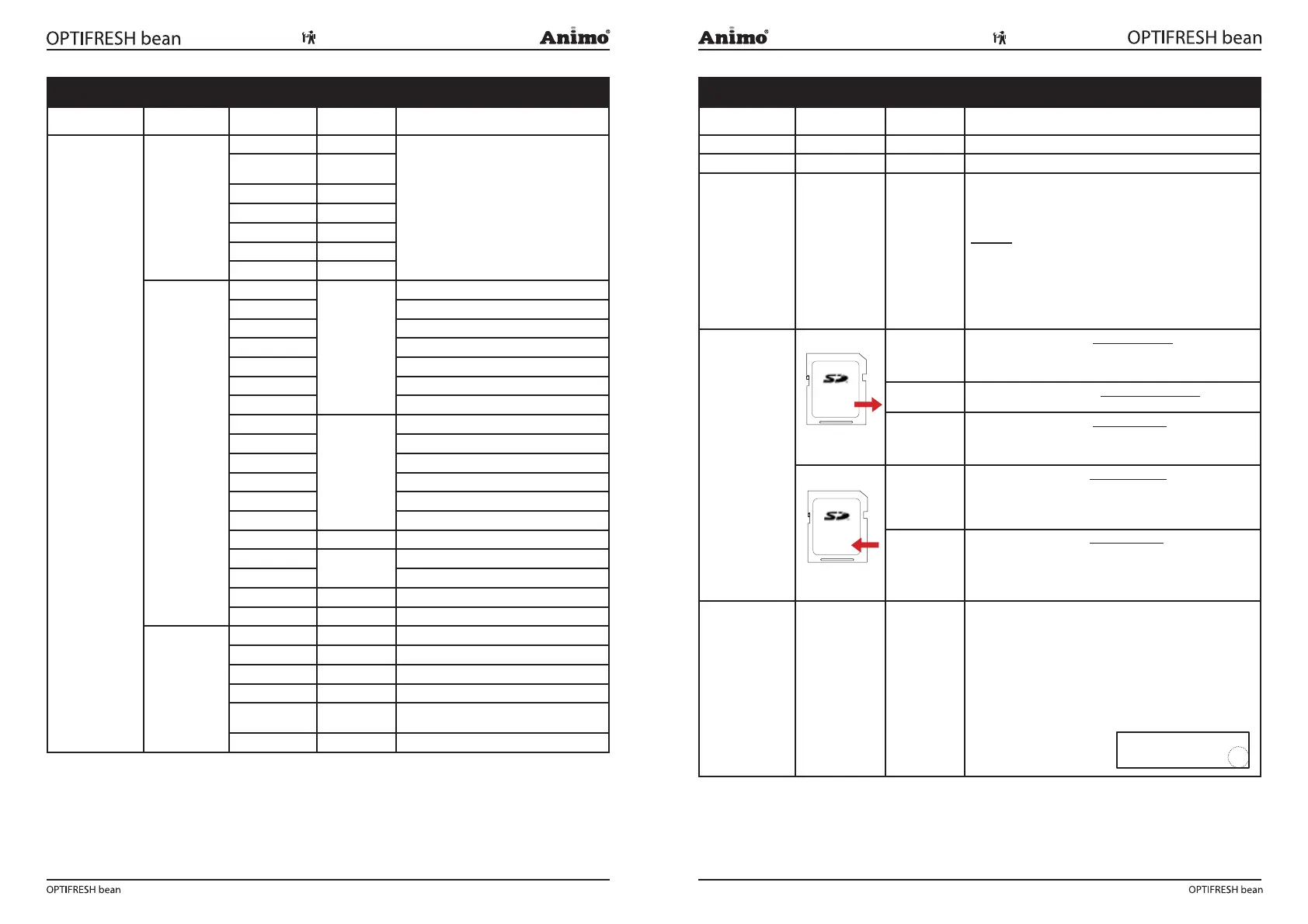
2.11 SD menu
Before saving
or loading data,
insert an empty SD
memory card into
the card reader .
This is located
behind the stainless
steel panel on the
inside of the door.
SD card
speci cations:
- 16MB or greater
- FAT16 format
Load data Pers. settings
This menu item is for loading personal settings to the device using
an SD memory card. This le contains the (amended) personal set-
tings for menus: 2.4 Settings / 2/6 Descale-fi lter / 2.13 Additional
settings. The data le (Ofxxxx00.mdu) should be on the SD card.
Language
This menu item is for loading a different language set to the
device. The data le (xxxxxx.tlf) should be on the SD card.
Recipe
This menu item is for loading personal recipes to the device using
an SD memory card. This le contains the (amended) personal reci-
pes for menus: 2.1 Quick recipe / 2.2 Button settings / 2.3 Recipe
settings. The data le (OFxxxx00.rcu) should be on the SD card.
Save data Pers. settings
This menu item is for saving personal settings to an SD memory
card and copying them to another device.
All settings amended in menus: 2.4 Settings / 2.6 Descale-fi lter /
2.13 Additional settings are loaded to the SD card in one data le
(OFxxxx00.mdu).
Recipes
This menu item is for saving personal recipes to an SD memory
card and copying them to another device.
All settings amended in menus: 2.1 Quick recipe / 2.2 Button
settings/ 2.3 Recipe settings are loaded to the SD card in one data
le (OFxxxx00.rcu).
2.12 Change PIN
New PIN code Repeat PIN code This menu item is for changing the PIN code using buttons 1-4 only.
The entire service menu is accessed with this PIN code, which
prevents unintentional changes from being made to the machine
settings by untrained staff.
• The ex-factory PIN code is 2-2-2-2-2
PIN code forgotten or needs to be deactivated?
The PIN code input display (operator menu item 1.7) shows a
number on the right. Enter the corresponding PIN code (see list on
p.80 to access the service menu.
Memory Card
Memory Card













 To Next Page