Page 13 of 24
7 Using the Vacuum Cleaner
7.1 On / Off
To use the Vacuum Cleaner, assemble the unit as previously instructed and
ensure the battery is fully charged.
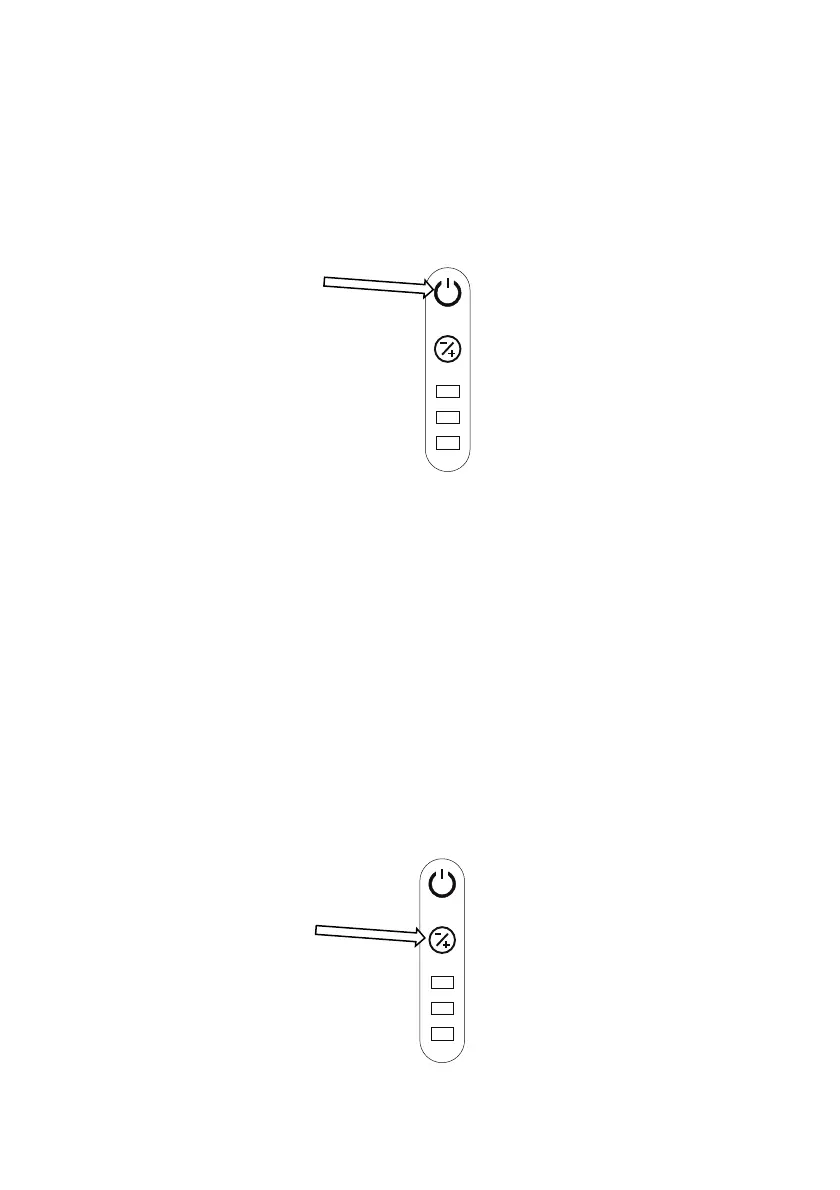
To switch on, grasp the handle then press and release the On / Off button on
top of the vacuum cleaner body.
The vacuum cleaner will start in the default “Low” Speed mode.
Press and release the On / Off button again to turn it off.
Note: The vacuum cleaner cannot be started when charging.
7.2 Speed Control
7.2.1 Default Speed – “Low Speed”
When the vacuum cleaner is first switched on for use, it will default to the
“Low Speed” setting This will remain on this setting unless manually
changed.
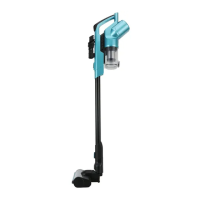
To change to the “Mid” setting, press and release the Speed Button.


 To Next Page