Page 14 of 24
To change to the “High” setting, press and release the Speed Button again.
Pressing and releasing the Speed Button again will cycle back around to
the “Low” setting.
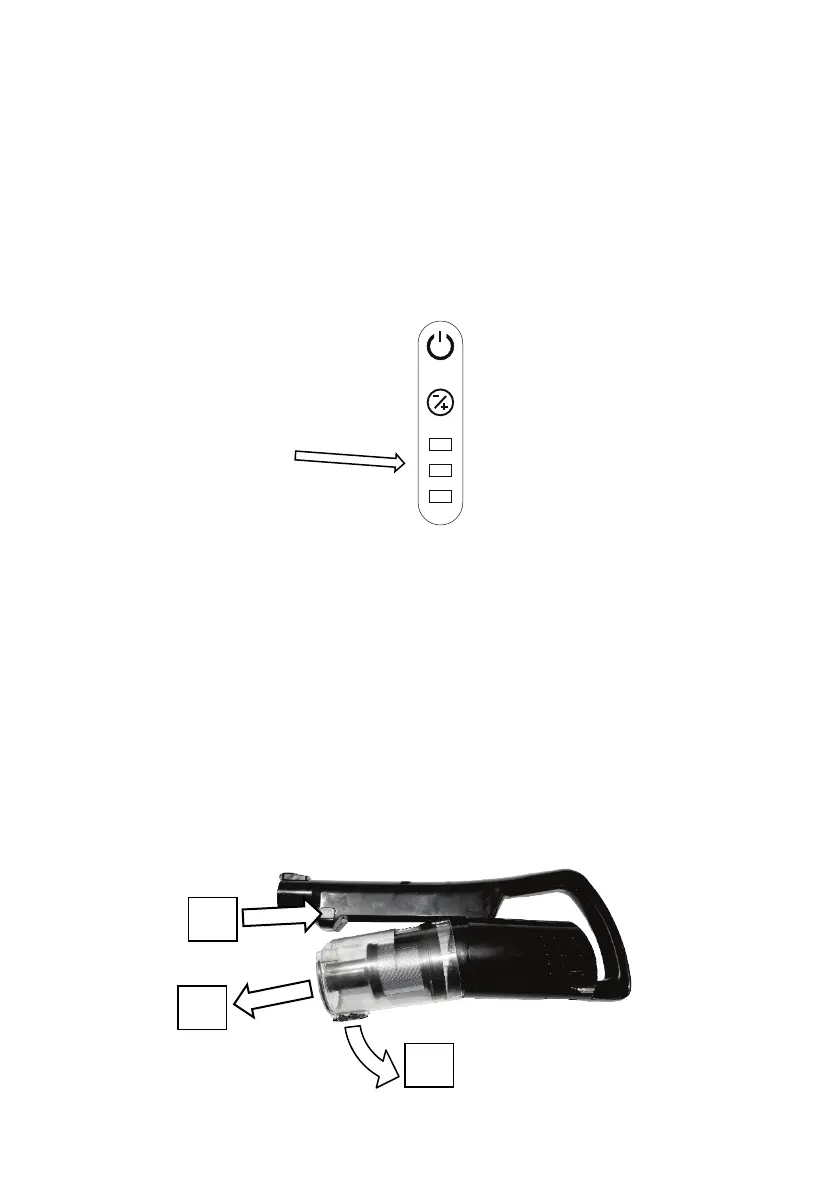
8 Indicator Lights
8.1 Battery Remaining
During use, the battery level (remaining power) will be indicated by the three
lights on top of the vacuum cleaner handle.
When the batteries are fully charged, all three lights will be permanently on.
As the battery power is drained, the lights will gradually turn off in sequence
until the batteries are drained.
Just before the batteries are drained and just before the vacuum cleaner turns
off, all three lights will briefly flash indicating the batteries are flat and need
recharging.
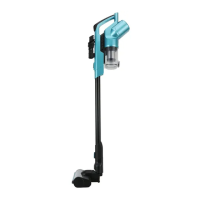
9 Emptying the Dust Canister
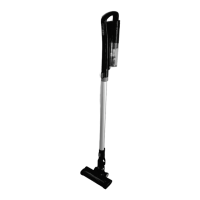
To Empty the dust canister, first remove it from the vacuum cleaner by pressing
the release button on the side of the vacuum cleaner, swing the dust canister
down and pull forward and off as shown:


 To Next Page