Common Procedures ML248xA / ML249xA
13000-00162 5-85
September 2005
Cal/Zero
Zeroing the Sensor
Zeroing the power sensor is vital to remove any residual DC offset on the sensor/meter
combination, and to minimize noise.
1. Connect the sensor to the device under test, making sure that RF is not being
supplied.
2. Press the Cal/Zero hard key.
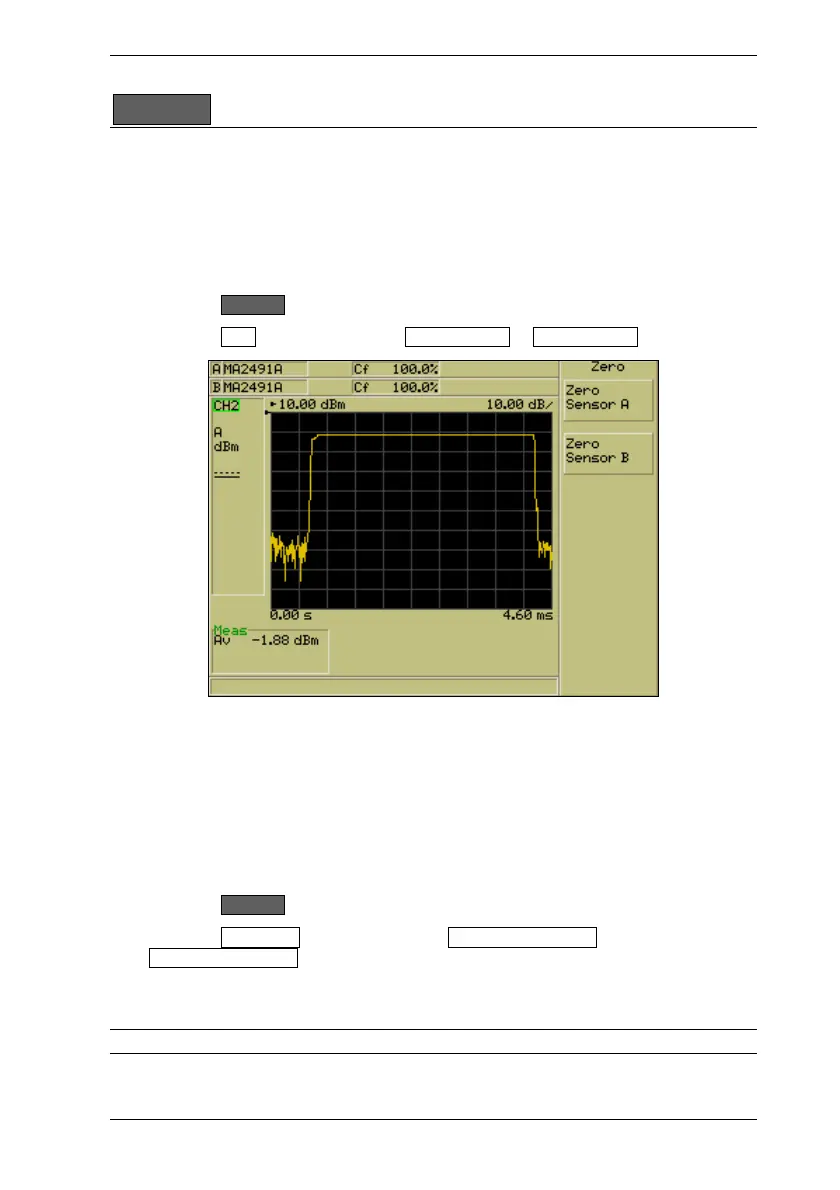
3. Press the Zero soft key followed by Zero Sensor A or Zero Sensor B
4. A dialog displays to indicate that the sensor is being zeroed and the message
“Sensor x zero…..” displays in the status bar at the bottom of the screen.
Zeroing and Calibrating the Sensor
1. Connect the sensor to the “CALIBRATOR” connector on the front of the ML248xA /
ML249xA.
2. Press the Cal/Zero hard key.
3. Press the Zero & Cal soft key followed by Zero & Cal Sensor A or
Zero & Cal Sensor B
4. A dialog displays to indicate that the sensor is being zeroed and calibrated and a
message displays in the status bar at the bottom of the screen.
Note: Sensor selection is not required on the ML2487A.













 To Next Page