Common Procedures ML248xA / ML249xA
13000-00162 5-13
September 2005
Selecting the Measurement Mode
1. Press the Channel hard key to display the Channel group of commands.
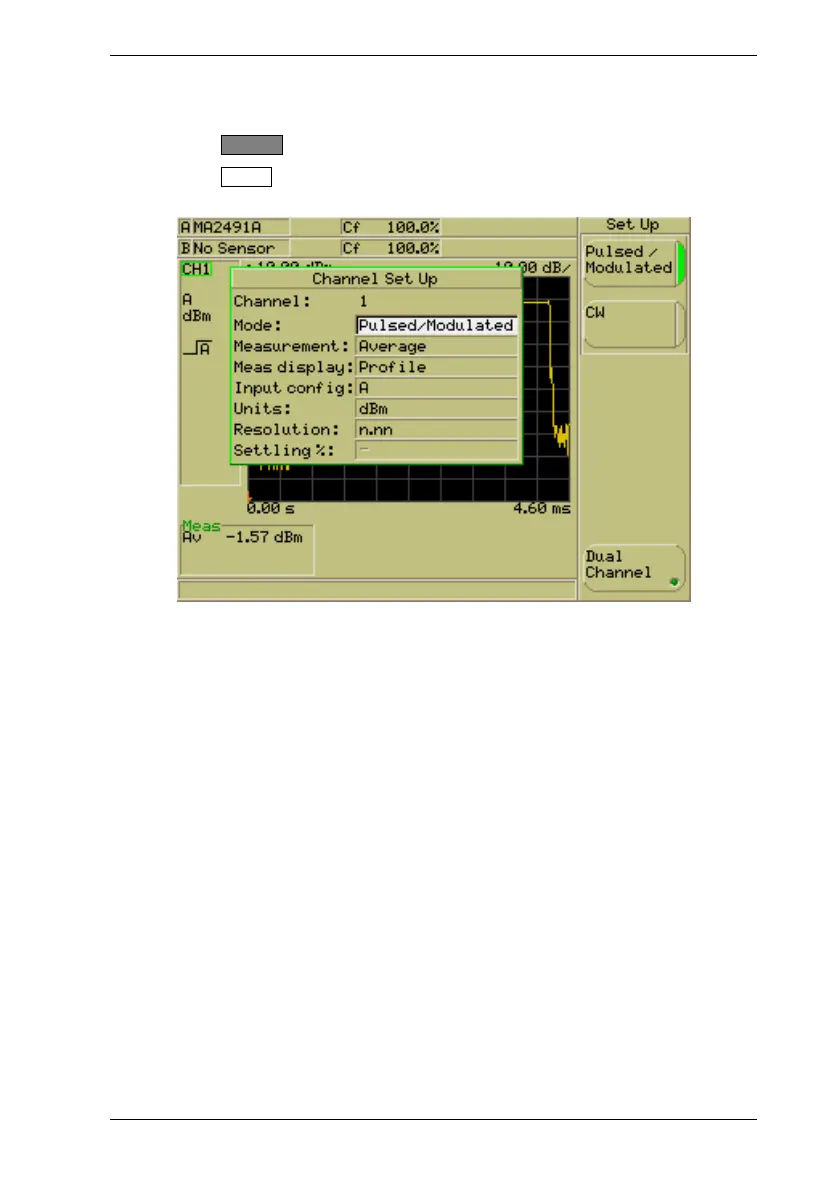
2. Press the Set Up soft key to display the [Channel Set Up] dialog for the channel that
is currently active. The dialog will open with the “Mode” item already selected.
3. Use the soft keys to select the required mode. There are two options available;
“Pulsed/Modulated” or “CW”.
4. Use the down arrow on the numerical keypad to select another item in the dialog, or
press the [Exit] hard key if no further settings are required.













 To Next Page