Common Procedures ML248xA / ML249xA
13000-00162 5-93
September 2005
Enabling Buffering of the GPIB Output
1. Press the System hard key followed by the Config soft key.
2. Press the Remote soft key.
3. Press the GPIB O/p Buffering soft key to enable buffering of the GPIB output. The
LED on the soft key is lit green when buffering is enabled.
Setting the RS232 Serial Port Baud Rate
1. Press the System hard key followed by the Config soft key.
2. Press the Remote soft key.
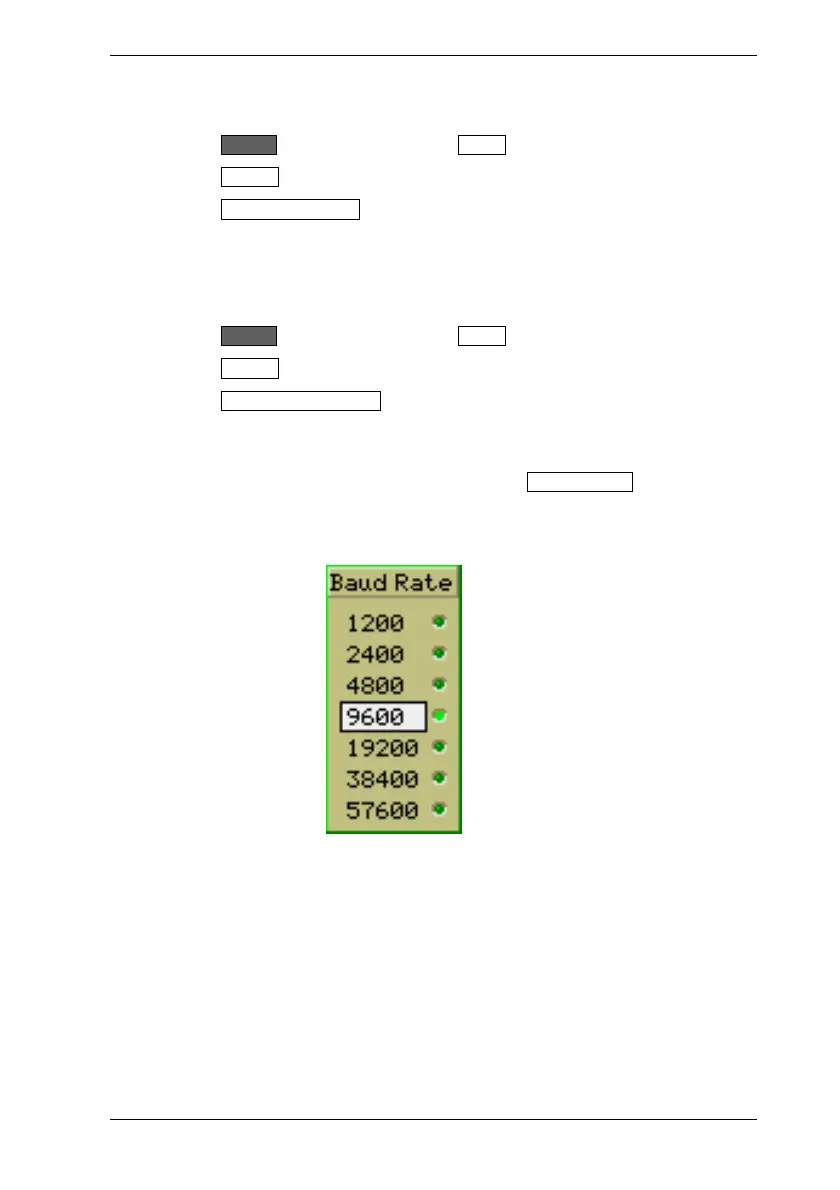
3. Press the Set RS232 Baud Rate soft key to display the [Baud Rate] dialog.
4. Use the up and down arrows on the soft keys or on the numeric keypad to select the
required baud rate.
5. When the required rate has been selected, press the Set Baud Rate soft key to
enable the selected rate. The LED to the right of the setting is lit green to indicate
that the setting is enabled.













 To Next Page