ML248xA / ML249xA Front Panel Layout and Operation
4-6 13000-00162
September 2005
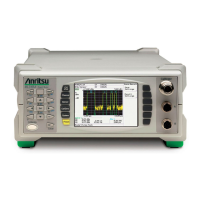
The Hard Keys
The hard keys are used to display the associated soft key commands. When a hard key is
pressed the commands within that group display next to the soft keys at the right of the
screen. The menu items are grouped in to a logical hierarchical structure, a full mapping
of which is provided in appendix A at the rear of this manual. When a hard key is pressed,
the name of that key displays at the top of the soft key menu. An overview of each of the
hard keys is provided below.
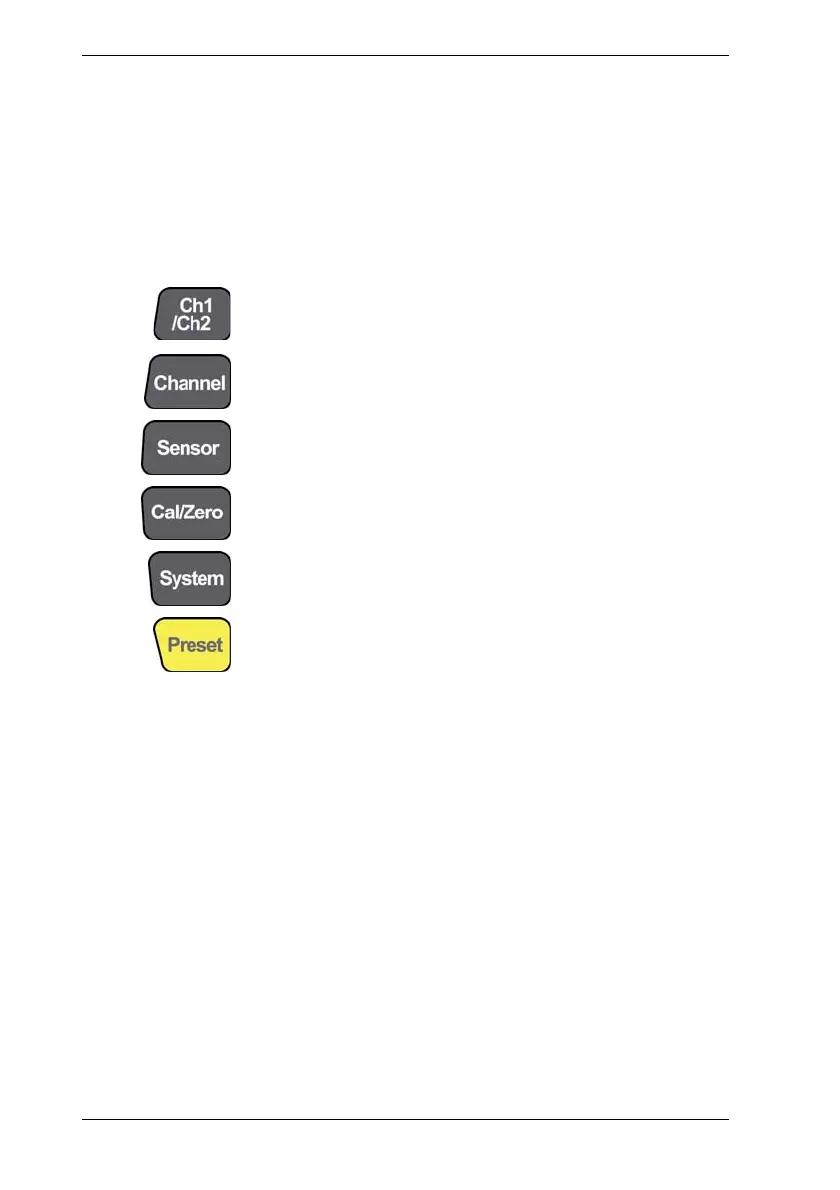
Used to change the currently active channel. The menu displayed
in the menu area is updated to reflect the state of the new active
measurement channel.
Controls channel related functions such as display channel set up,
triggering, gating, averaging, and markers.
Controls sensor related function such as cal factor settings and
offsets.
Enables measurement errors to be minimized prior to
measurement, and sensors to be zeroed and/or calibrated.
Controls system level commands such as the rear panel
configuration, security, and software upgrading.
Allows the user to select and configure predefined configuration
and default settings.




 To Next Page