Common Procedures ML248xA / ML249xA
13000-00162 5-31
September 2005
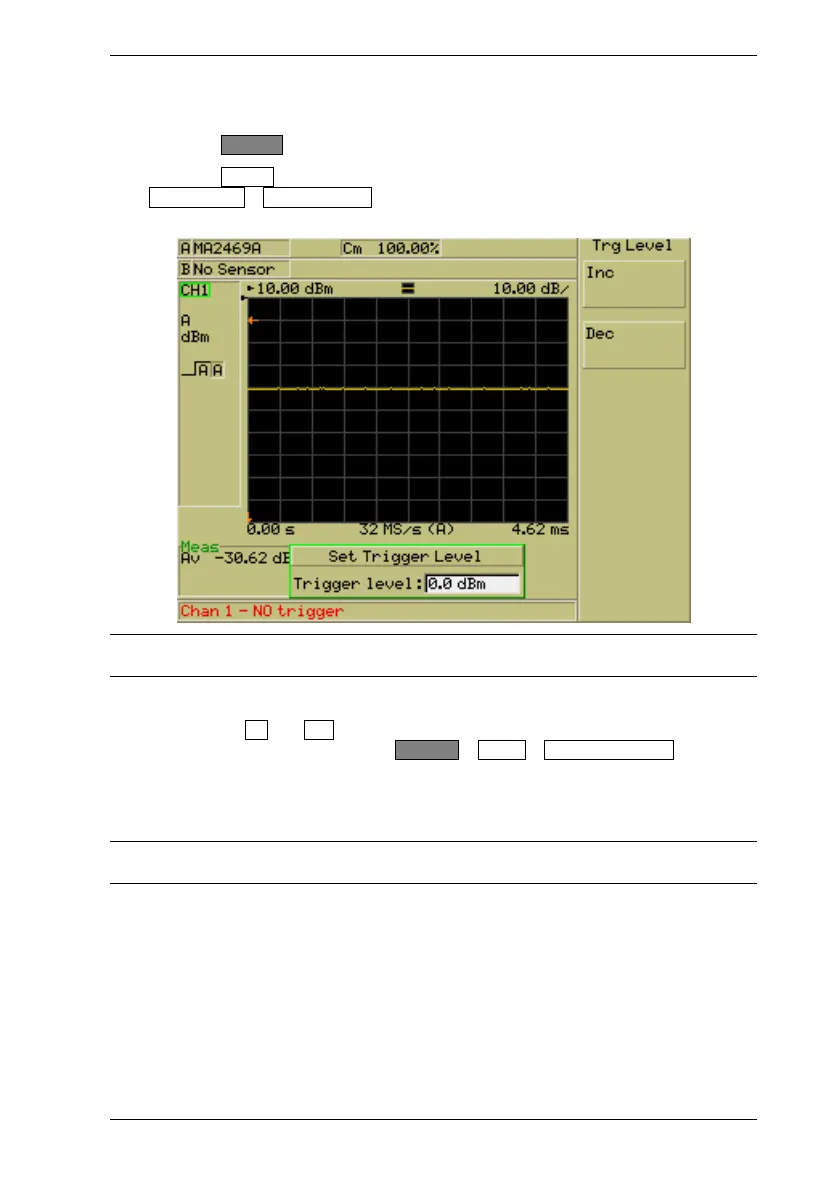
Entering the Triggering Level
1. Press the Channel hard key to display the [Channel] group of commands.
2. Press the Trigger soft key to display the [Trigger] menu and then press the
Trigger Level > Set Trig Level.. soft keys to display the [Set Trigger Level] dialog
shown below.
Note: The trigger level cannot be set if the “Source” item is set to “Continuous” or
“External”.
3. Specify the trigger level using either of the methods below.
• Use the Inc and Dec soft keys to increment or decrement the displayed value
by the amount specified from System > Config > Set Inc/Dec Steps .
• Press the [Sel] key on the numeric keypad and enter a value as described in the
previous chapter. Press the required units from the soft key when the required
time has been set.
Note: For the ML248xA, the specified trigger level is only applicable for the operational
level of the amplifier range in use.













 To Next Page