Managing Files
4-4 PN: 10580-00277 Rev. E Spectrum Master UG
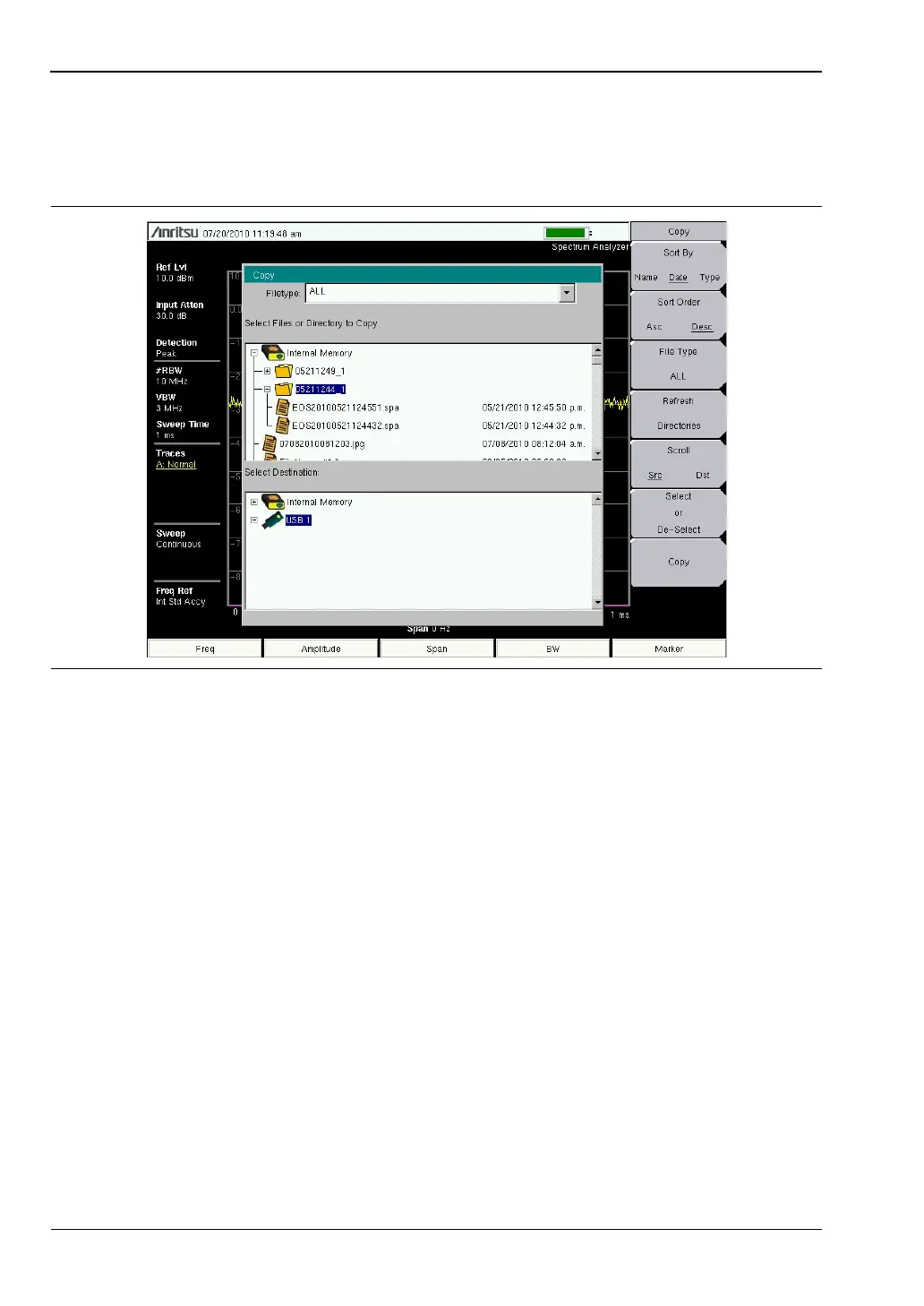
4. To display files within a folder, select the folder and press the Enter key or the
Right arrow key. The + symbol indicates additional files or folders with the folder
(Figure 4-3). To expand the + symbol, highlight the folder and press the Right arrow
key.
5. Press the Scroll key and highlight the USB drive in the lower window using the
Up/Down arrow keys. The Scroll submenu key toggles between Src (top window) and
Dst (bottom window).
6. Select the copy location on the USB drive.
7. Press the Copy key to copy the files to the USB drive.
Figure 4-3. Expanded Folder













 To Next Page