Updating Instrument Firmware
Spectrum Master UG PN: 10580-00277 Rev. E 7-3
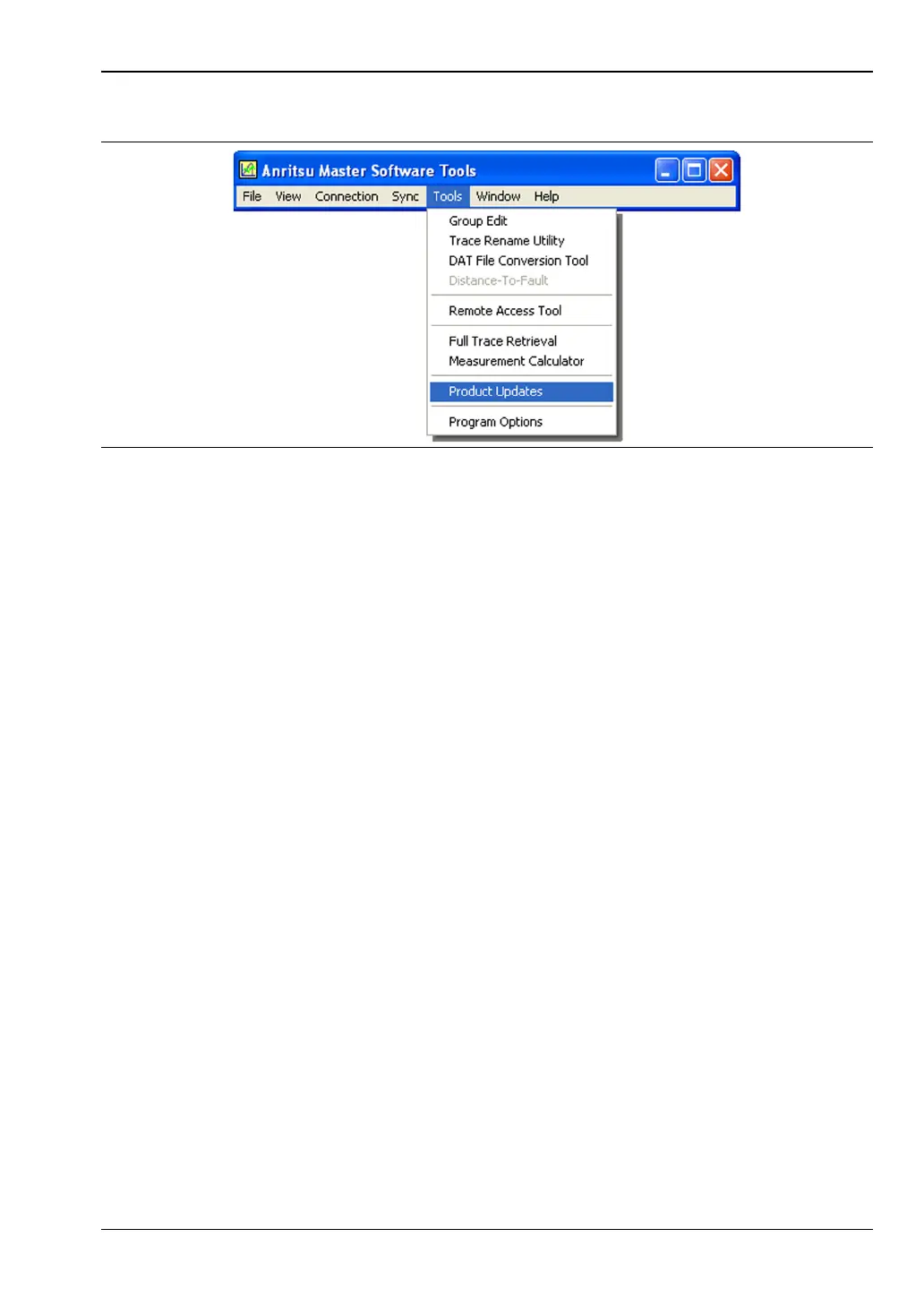
The Product Updates window opens.
5. Notice the differences in the two Product Updates windows in Figure 7-3 and
Figure 7-4.
• File Status Ready
In Figure 7-3, the status of the highlighted file is Ready, and the Install to Unit
button is active. You can immediately click Install to Unit to update your
Spectrum Master with the new firmware.
• File Status Available
In Figure 7-4, the status of the highlighted file is Available, and the Install to Unit
button is gray and inactive. This means that the updated file is on the Anritsu
Product Support Web site and needs to be downloaded to your PC. After the file
has been downloaded and placed on your PC, its status changes to Ready, and the
Install to Unit button becomes active.
Figure 7-2. Tool Menu: Product Updates Command













 To Next Page