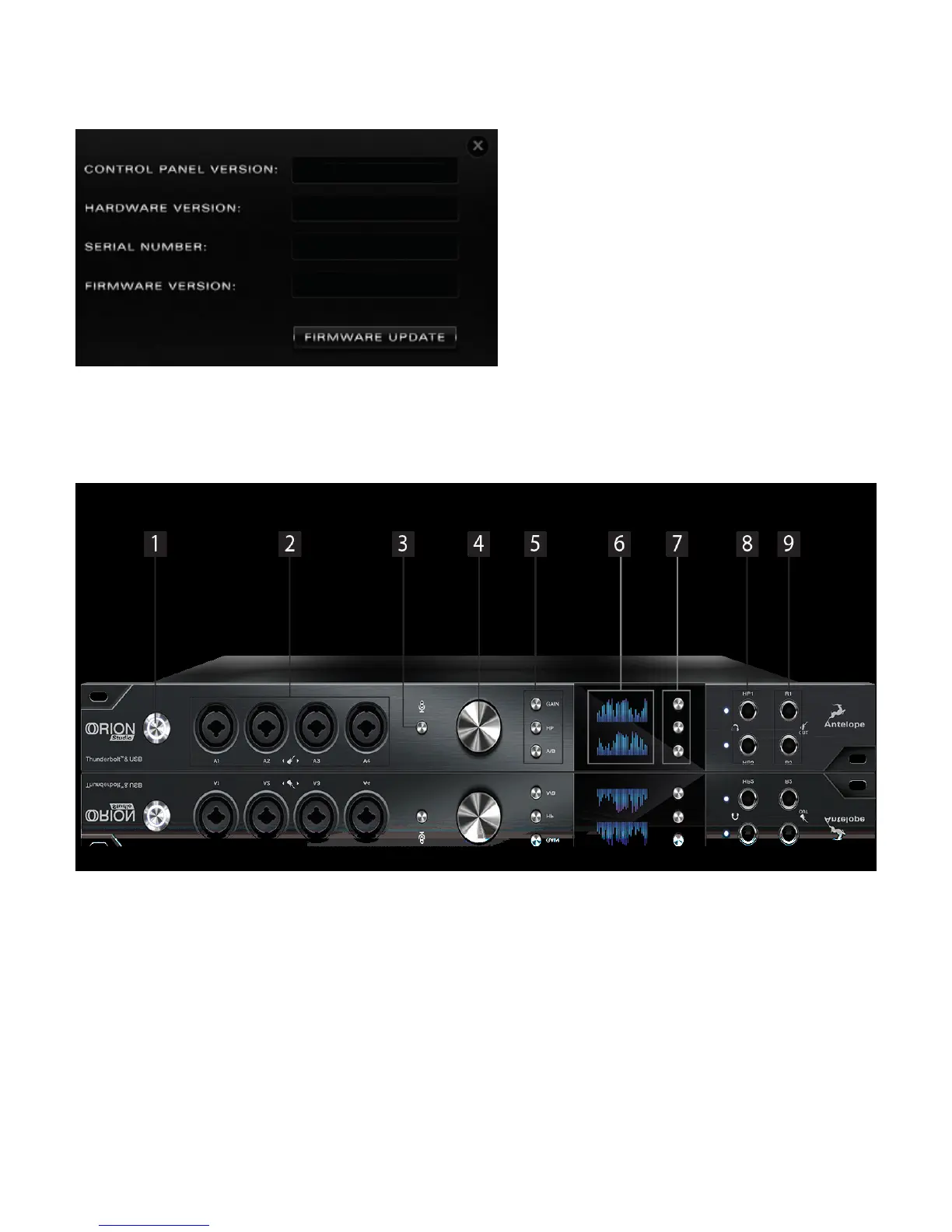
your preferred DAW and make sure the device is selected as an input and output.
Note: Make sure your device has the most recent firmware installed. Check this by
selecting the Options panel and clicking on the Firmware Update button. See picture:
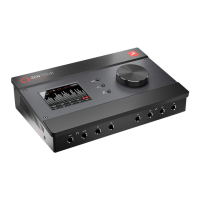
5. Front Panel Explained
1. Power button
Toggles standby/operation state
2. 4 Instrument/Mic Preamp/Line Inputs
4 Class A mic preamps, with phantom power over Combo input with switchable line/HiZ
input.
3. Talkback button
Press the Talkback button to activate the talkback microphone. This can be distributed to
your selected headphones and/or monitors using the software control panel.
4. Rotary control








 To Next Page