3. Advanced operation
3.1 Enter the advanced configuration menu
BI3QWQ
ANTUNER only researches ultra-small, portable radio peripherals, and completely develops software and hardware at the bottom
http://www.antuner.com
Play the tune performance.
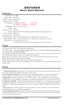
4) Short press the button to switch the menu, long press the button to enter the modification
1) Keep the tuner turned off
3) Tiantiao will enter the configuration interface
This chapter mainly introduces advanced advanced functions and parameter adjustments. You can fully customize the function parameters of the tuner, fully develop
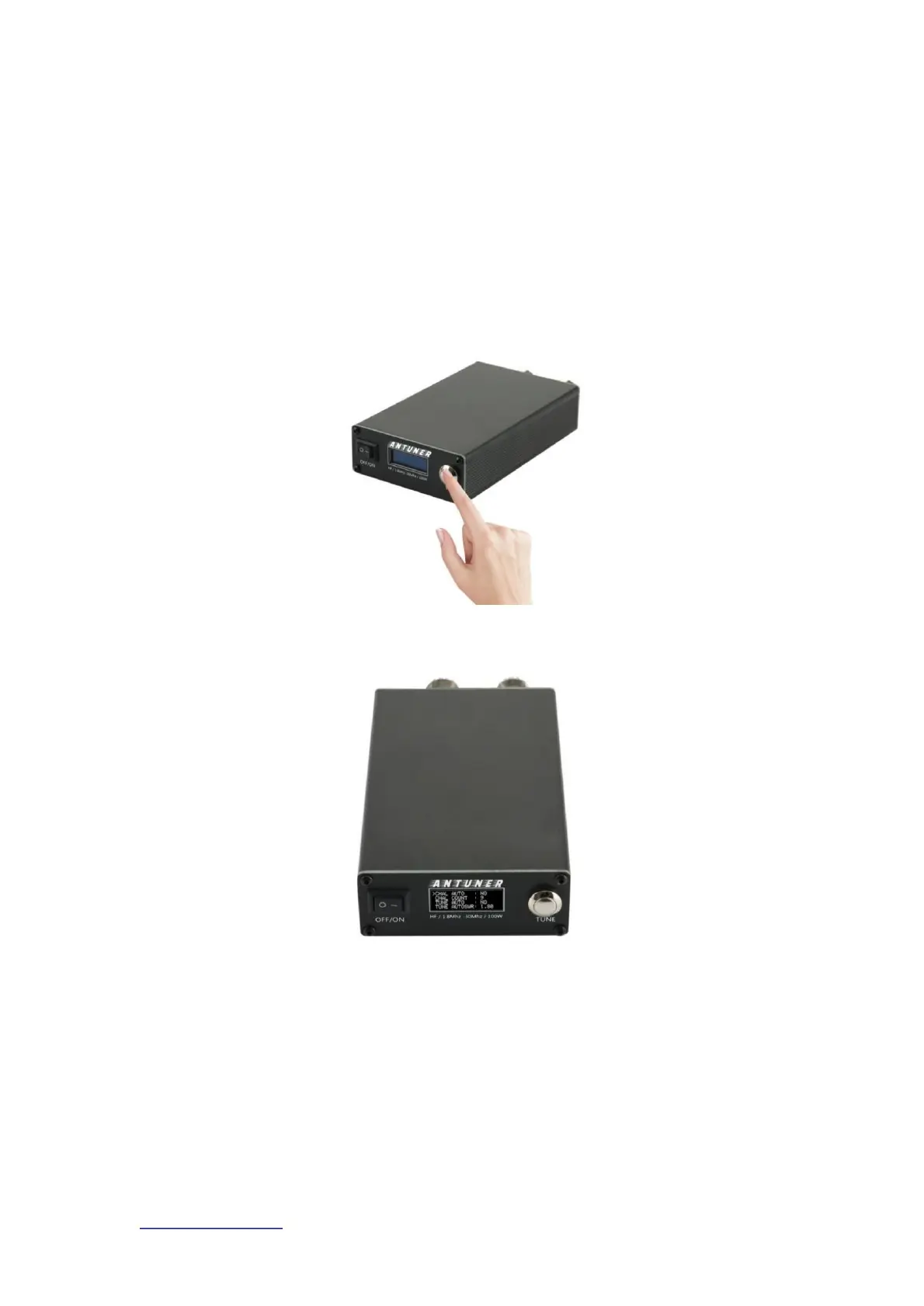
2) Press and hold the [button] without letting go, and then turn on the machine
Press and hold the [button] in the off state and then turn on the machine
Enter the advanced configuration menu
Machine Translated by Google



 To Next Page