2.4 Normal mode and user storage mode switch
2.5 Introduction to Functional Interface of Normal Mode
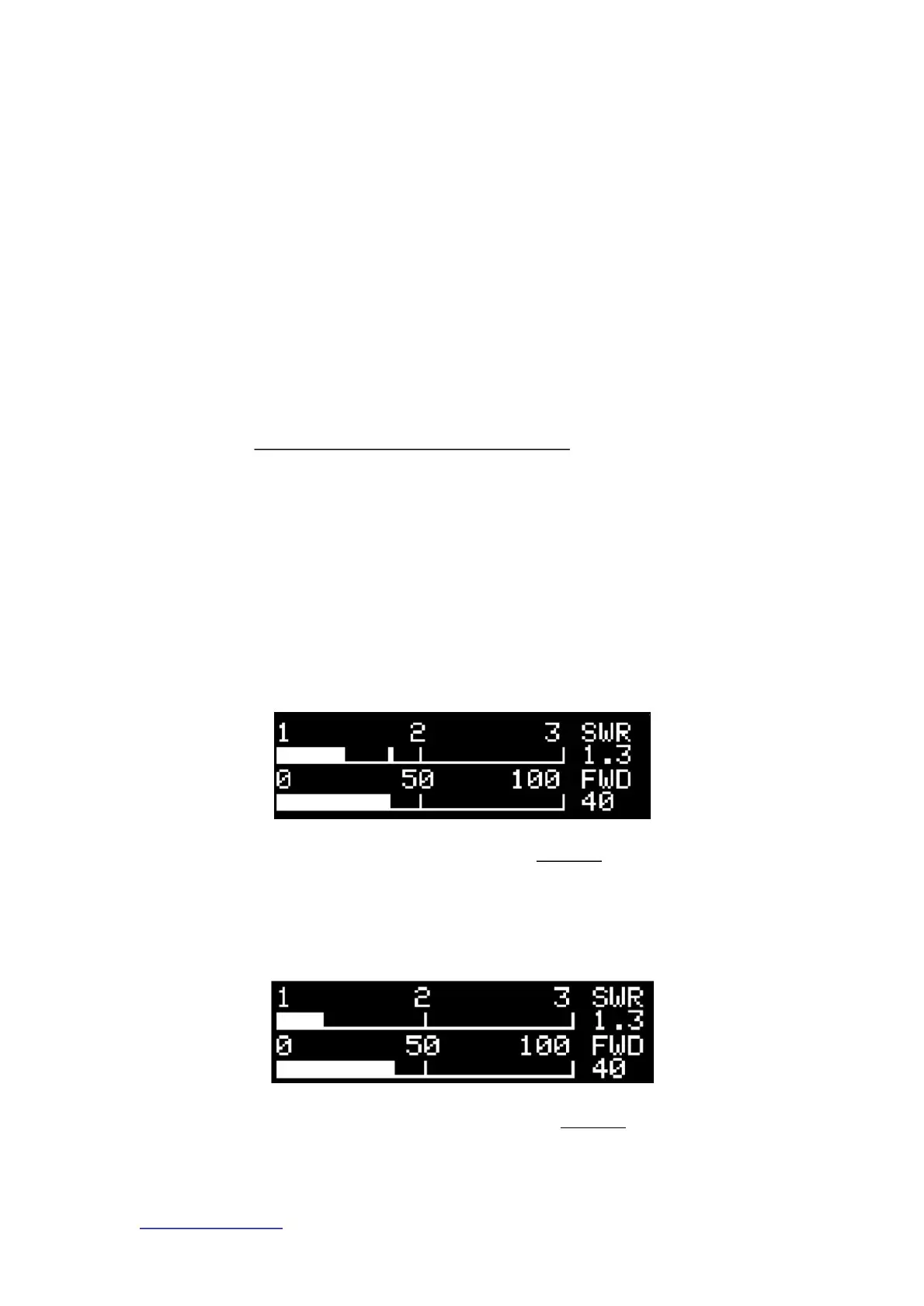
There is a white scale when the [Auto-tuning] mode is turned on
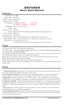
There is no white scale when the [Auto-tuning] mode is not turned on
ANTUNER only researches ultra-small, portable radio peripherals, and completely develops software and hardware at the bottom
BI3QWQ
http://www.antuner.com
Exam advanced operation 3.4 chapter.
Rate, standing wave, line graph, relay status and other interfaces.
When the [Auto Tuning] mode is not turned on, the standing wave bar does not display a white scale.
The switch between normal mode and user storage mode is set by [USER COUNT] under the advanced menu. For details, refer to
1.0-9.9 ), FWD is forward power (range 0-200 ).
In normal mode, 10 groups of tuning results are turned on by default, and a maximum of 20 groups can be set. This mode directly displays the tuning results after power on.
This function interface mainly displays the power value and standing wave value graphically and in bar form, among which SWR is the standing wave value (range
Adjustment in Chapter 3.5 for level operations.
1) Bar interface (standing wave value, forward power value)
When the [Auto Tuning] mode is turned on, the standing wave bar displays the white scale position to automatically tune the standing wave value.
[USER COUNT] setting > "1" is to open the user storage mode, and "0" is not to open.
The user can short press the button to switch the interface.
Machine Translated by Google



 To Next Page