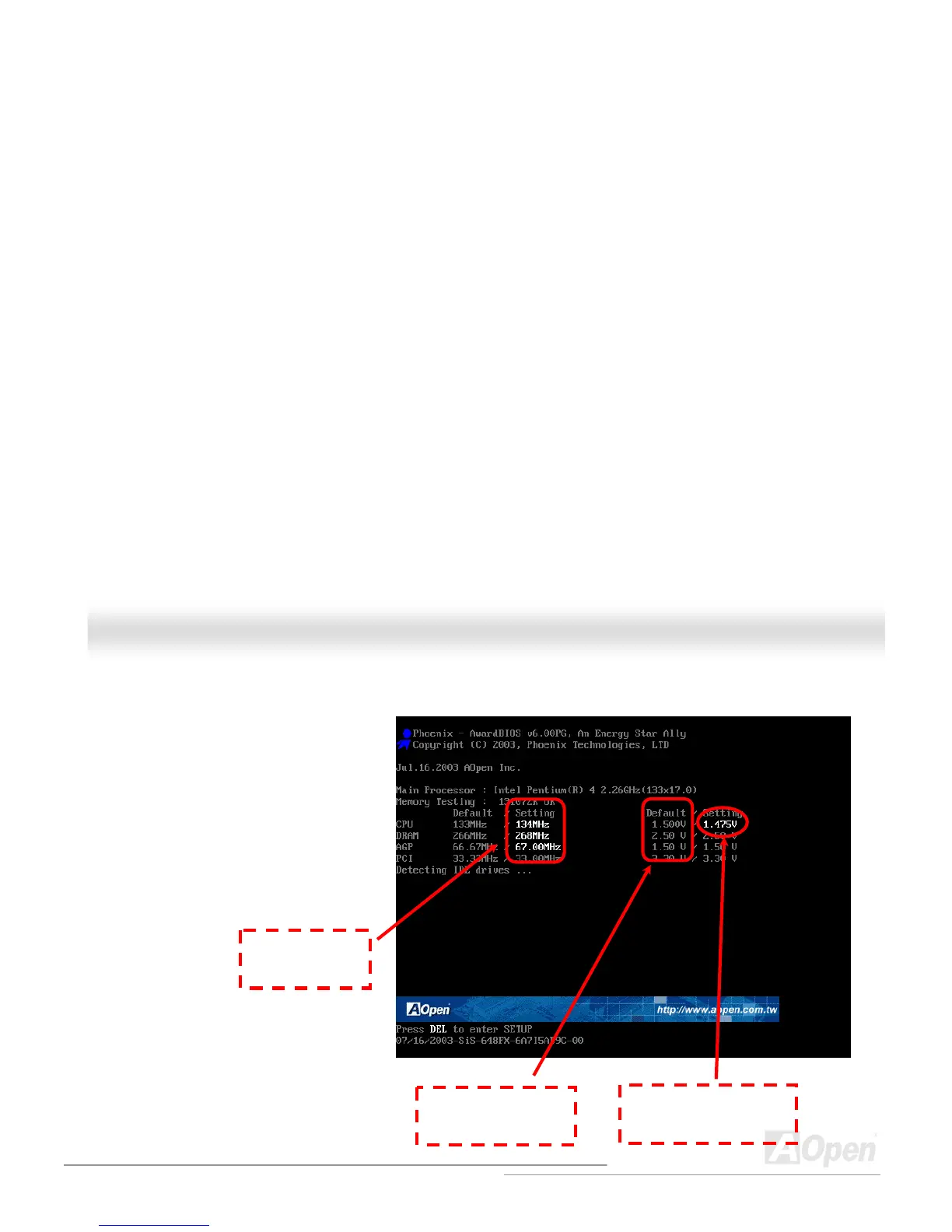
How Your Boot Screen Looks Like
After you finish setting BIOS, these setting values
will be displayed on the boot screen like the shown
picture here.
Every time you boot your system, both default and
current settings will pop up on the screen. Your
personal settings that had been adjusted earlier
will be highlighted; thus, you can have clear idea
how your system functions and monitor your
system more easily.
Current values of
your system
The highlighted setting
value you manually adjust
Default settings of this
motherboard



 To Next Page