PAGE 40 AR5000 OPERATING MANUAL
Alternatively you could switch bank link OFF or select a
bank link profile where group programming has not been
selected.
To return to the GROUP selection, rotate the SUB DIAL until
one of the linked scan bank numbers is displayed.
8-8 SCAN channel PASS (lockout)
Should the AR5000 stop on an active channel while
scanning and for some reason you do not wish to monitor
it any longer, simply press the
keys or rotate
the MAIN DIAL to force the SCAN process to resume in the
direction selected.
However, should the receiver continually stop on the same
channel you may wish to PASS (lockout) the channel so
that it will be skipped over when the bank is next scanned.
Memory scan channels may be PASSED (locked out)
either when the receiver stops in scan mode (when they
are active and the receiver has stopped scanning) or by
recalling them in memory recall mode.
Memory scan PASS while scanning
To PASS a channel when scanning, wait for the channel
to become active then press
.
The AR5000 will
appear to move immediately onward from the passed
(locked out) channel.
The microprocessor will have quickly tagged the channel
with the legend “PASS” on the LCD above the letter “M”
(for memory) positioned to the left of the bank and channel
identifier. This process will happen so quickly that you will
not see the legend “PASS” being added. However, should
the memory channel subsequently be recalled, the “PASS”
legend will be displayed to signify channel PASS.
Memory scan PASS & review using memory
recall mode
Memory scan channels may be tagged for “PASS”,
un-tagged or reviewed using memory recall mode.
If the receiver is in VFO, SEARCH or SCAN mode press
to place the receiver into MEMORY RECALL
mode. The legend “M” appears on the LCD to confirm
operation.
The AR5000 will display a memory channel, mode,
frequency, text and scan PASS status etc...
If the desired memory channel to be PASSED (locked
out) is not immediately displayed, the MAIN DIAL may be
rotated to review specific memory channels. Alternatively
the memory channel location may be quickly recalled by
keying in the required location via the numeric keypad.
For example, to recall memory channel “
100100
100100
100” type
there is no need to press enter.
When the memory channel has been selected, the legend
“PASS” to the left of the bank/channel number indicates
the current status of SCAN MEMORY CHANNEL PASS.
Pressing
when in memory recall mode toggles
the status of the displayed memory channel scan pass
(lockout)...
“PASS” = PASS (lockout)
NO LEGEND = will be scanned
The AR5000 will monitor whatever memory channel is
displayed while in memory recall mode whether the
“PASS” indicator is shown or not.
Deleting memory pass channels
It is often convenient to remove the pass status of all
channels in a memory bank instead of reviewing and
unlocking them one-by-one. While this may be
accomplished by unlocking each and every memory
channel individually, a faster method is available especially
if you have previously locked out (PASSED) nearly all of
the 100 memory channels of a particular bank.
Ensure the receiver is in VFO or memory recall mode, if
in doubt press
.
To access the “
DEL M-PASSDEL M-PASS
DEL M-PASSDEL M-PASS
DEL M-PASS” menu press
then press and hold the
key for more than one second.
Use the
keys until the legend
“
DEL M-PASSDEL M-PASS
DEL M-PASSDEL M-PASS
DEL M-PASS” is displayed.
DEL MEM-CH
DEL SEL-CH
DEL M-PASS <<<DEL M-PASS <<<
DEL M-PASS <<<DEL M-PASS <<<
DEL M-PASS <<<
DEL SRCH
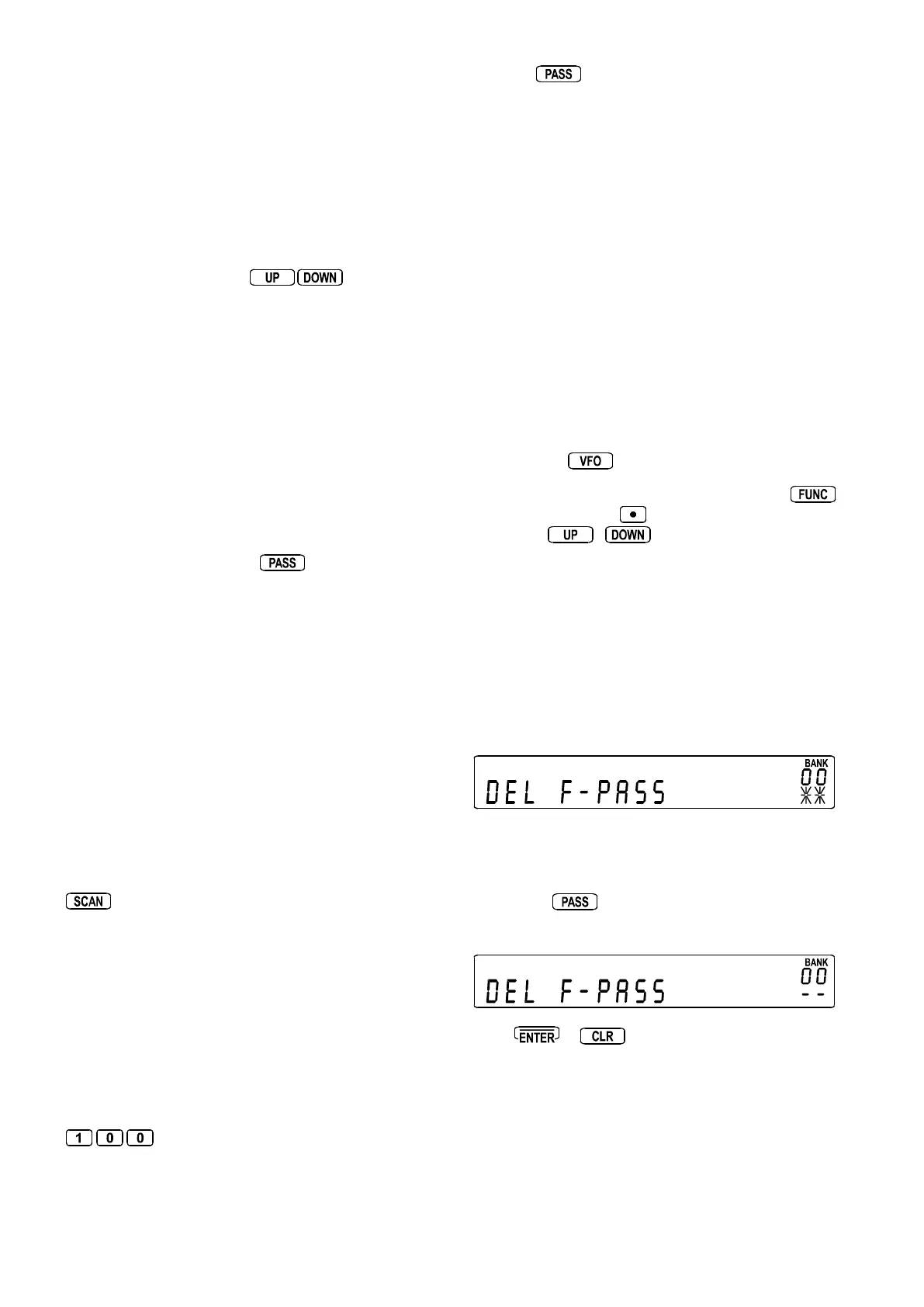
DEL F-PASS
Use the SUB DIAL to select the bank you wish to fully unlock.
The legend “* *” displayed under the bank number shows
that the bank contains passed channels which may be
unlocked.
The legend “- -” indicates that the memory bank does not
contain any locked out memory channels.
To unlock all passed channels of the selected memory
bank press
. After about two seconds the “* *”
legend will change to “- -” to indicate that all the memory
channels have been unlocked.
Press
or
to return to SCAN or VFO mode
depending on which was previously in use.



 To Next Page