API “The BOX” Operator’s Manual
Main and Alternate Control Room Monitors
The selected C/R SOURCE can be routed to one of two sets of stereo loudspeakers.
Main and alternate monitors are selected using the ALT switch, with the main system
selected by default. The output level for the alternate monitors can be trimmed to
match the mains.
Control Room Monitor Output Rear Panel Connections
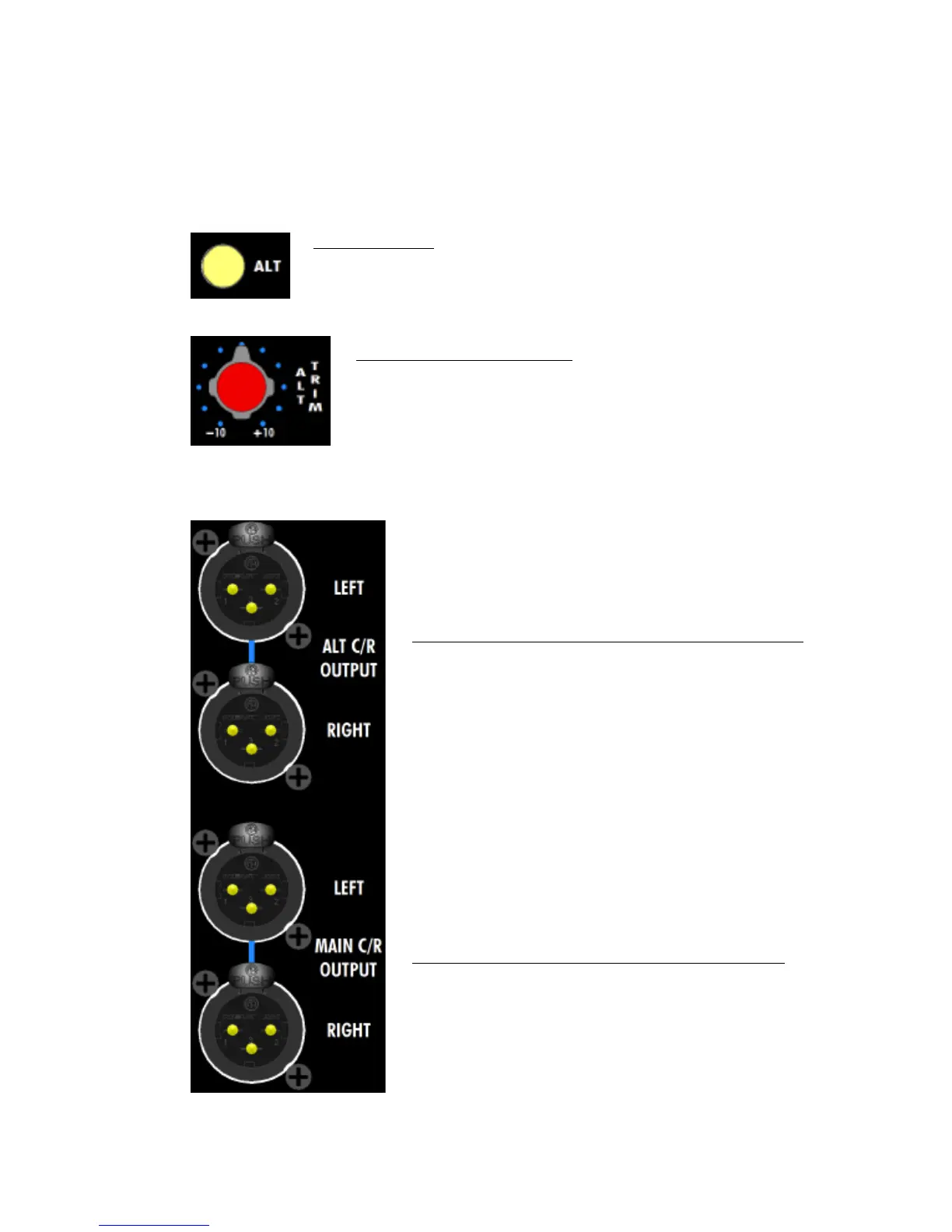
ALT (alternate): Toggles between the main and alternate control room
loudspeakers outputs
• Main outputs are cut when engaged
• Illuminates when engaged
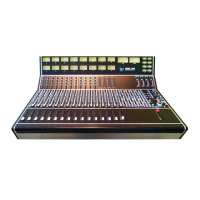
ALT TRIM (alternate trim): Trims the alternate control room
loudspeaker outputs
• -10dB to +10dB
• Center is 0dB (unity gain)
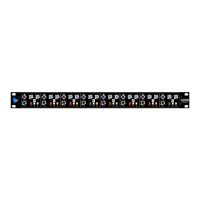
ALT C/R OUTPUT (alternate control room outputs): 3-pin
male XLR, balanced, low-impedance, line-level
• LEFT & RIGHT stereo outputs
• Fed from the C/R LEVEL and ALT TRIM when ALT is
engaged
MAIN C/R OUTPUT (main control room outputs): 3-pin
male XLR, balanced, low-impedance, line-level
• LEFT & RIGHT stereo outputs
• Fed from C/R LEVEL when ALT is not engaged


 To Next Page