1082 Smart Switch Operation Manual
CHA-1082-8000/11
__________________________________________________________________________________________________________
__________________________________________________________________________________________________________
Page 11 of 48
Standing by
Fast ID Beacon
Searching. . .
Fast ID Beacon
MDL=1019D
Fast ID Beacon
3.4 Fast ID Beacon
Quickly identifies a connected beacon model and configuration.
NOTE: - This action is not required prior to configuring a connected beacon. Refer Section 3.5 for
further information.
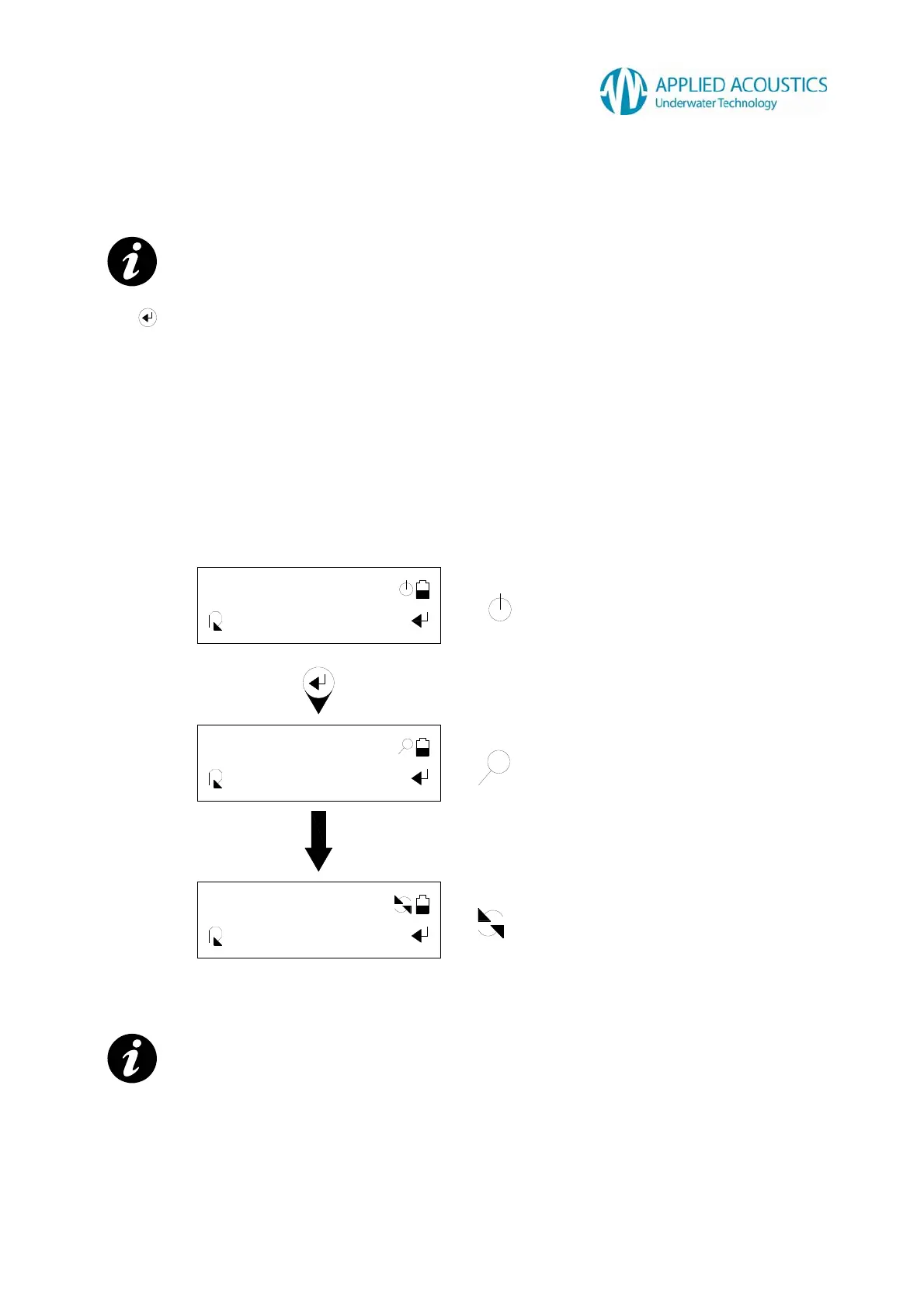
Press to initiate. The Smart Switch will attempt serial communication with a connected beacon,
indicated by a “Searching...” message to the user.
If a connected beacon is ‘found’, the identified beacon model and channel configuration will be
displayed as a scrolling message to the user. Once communication has been established with a
connected beacon, the Smart Switch will maintain communication with the beacon. If no beacon is
found after a fixed number of attempts, the Smart Switch will stop communication and revert to
“Standing by”.
Fig. 6
NOTE: - Fig.6 beacon model for example only.
Serial communication inactive.
Attempting serial communication
with beacon.
Serial communication active
with beacon.



 To Next Page