1082 Smart Switch Operation Manual
CHA-1082-8000/11
__________________________________________________________________________________________________________
__________________________________________________________________________________________________________
Page 34 of 48
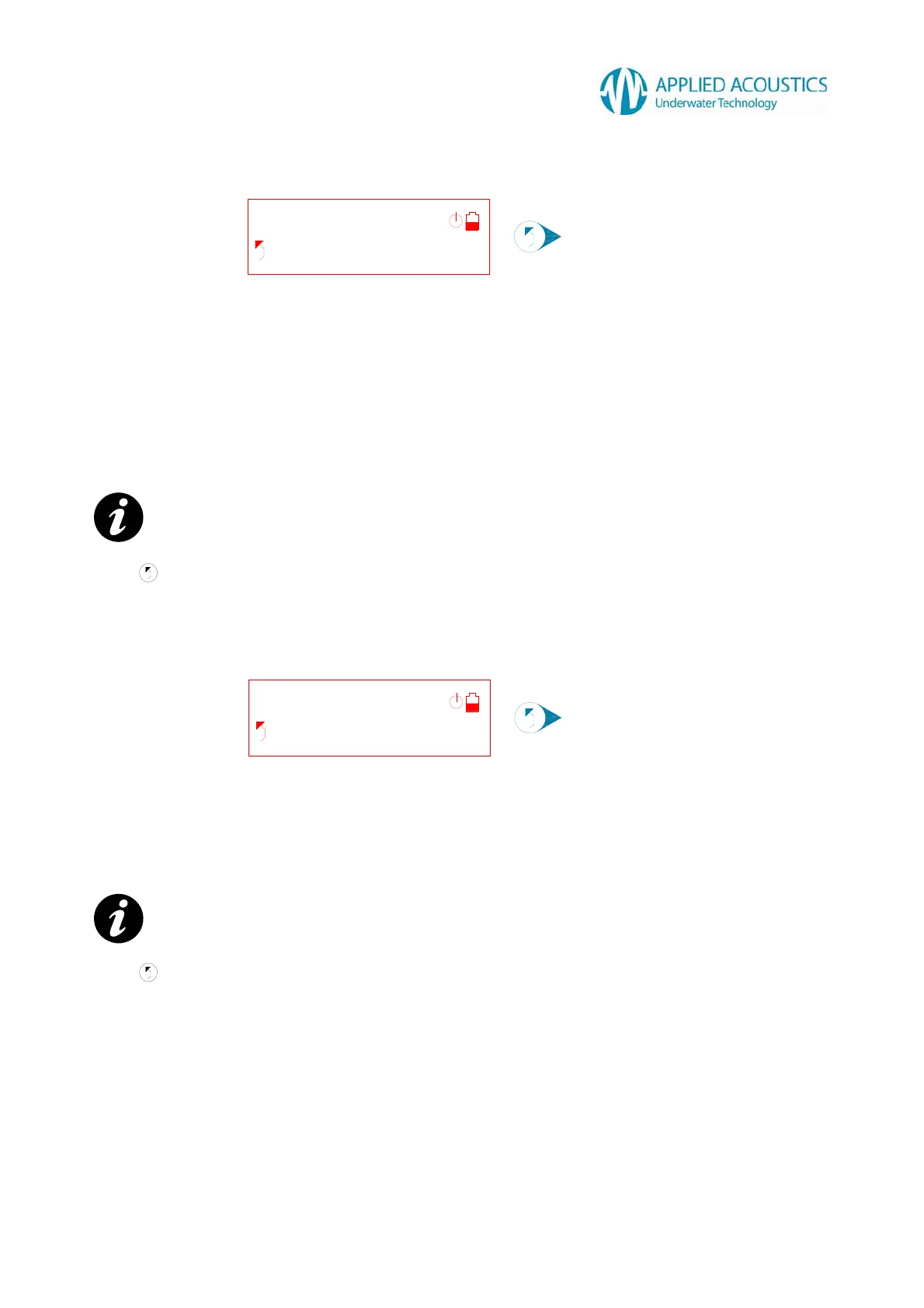
No status!
Halted 1h23m
No DC PSU!
Halted 1h23m
No Beacon Fast Charger Status
Fig. 29
The Smart Switch does not detect fast charge status information from a connected beacon. Check
the following: -
Is the beacon selector switch set to CHAR position?
Is the Beacon Connection Cable secure?
Is the beacon battery pack open circuit?
Is the beacon battery pack exhausted? Set the beacon to the OFF or CHAR position and
trickle charge for 10 minutes before attempting to fast charge.
Press to exit fast charge termination display.
30VDC Power Supply Unit Not Detected
Fig. 30
The Smart Switch does not detect the 30VDC power supply unit is inserted. Check the following: -
Is the 30VDC power supply unit inserted into the Smart Switch?
Check the mains lead and mains supply.
Press to exit fast charge termination display.
NOTE: - Fig. 29 halted time for example only.
NOTE: - Fig. 30 halted time for example only.
Refer 3.8.4
Refer 3.8.4



 To Next Page