WI-FI SETUP – Android
Android STEP 3 – CONNECT YOUR WI-FI THERMOSTAT TO YOUR HOME NETWORK
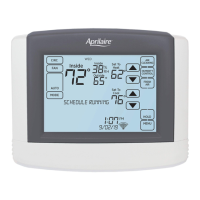
5. Confirm your thermostat is in Wi-Fi
setup mode. The signal indicator will be
strobing.
6. Open the app and select Connect a
new thermostat from the Login screen.
IMPORTANT: DO NOT LOG IN.
7. A list with available thermostats will
appear on the screen. Select the
thermostat you wish to connect to your
network.
Select your home network.
8. Tap Next to scan for your home network.
9. Select your home network from the list.
Connecting to your home network.
10. We recommend that you select Show
Password. Enter the password to your
home Wi-Fi network.
11. Tap Finish.
8



 To Next Page
 Loading...