© Ikonix USA
20
4.1 Powering on the Instrument
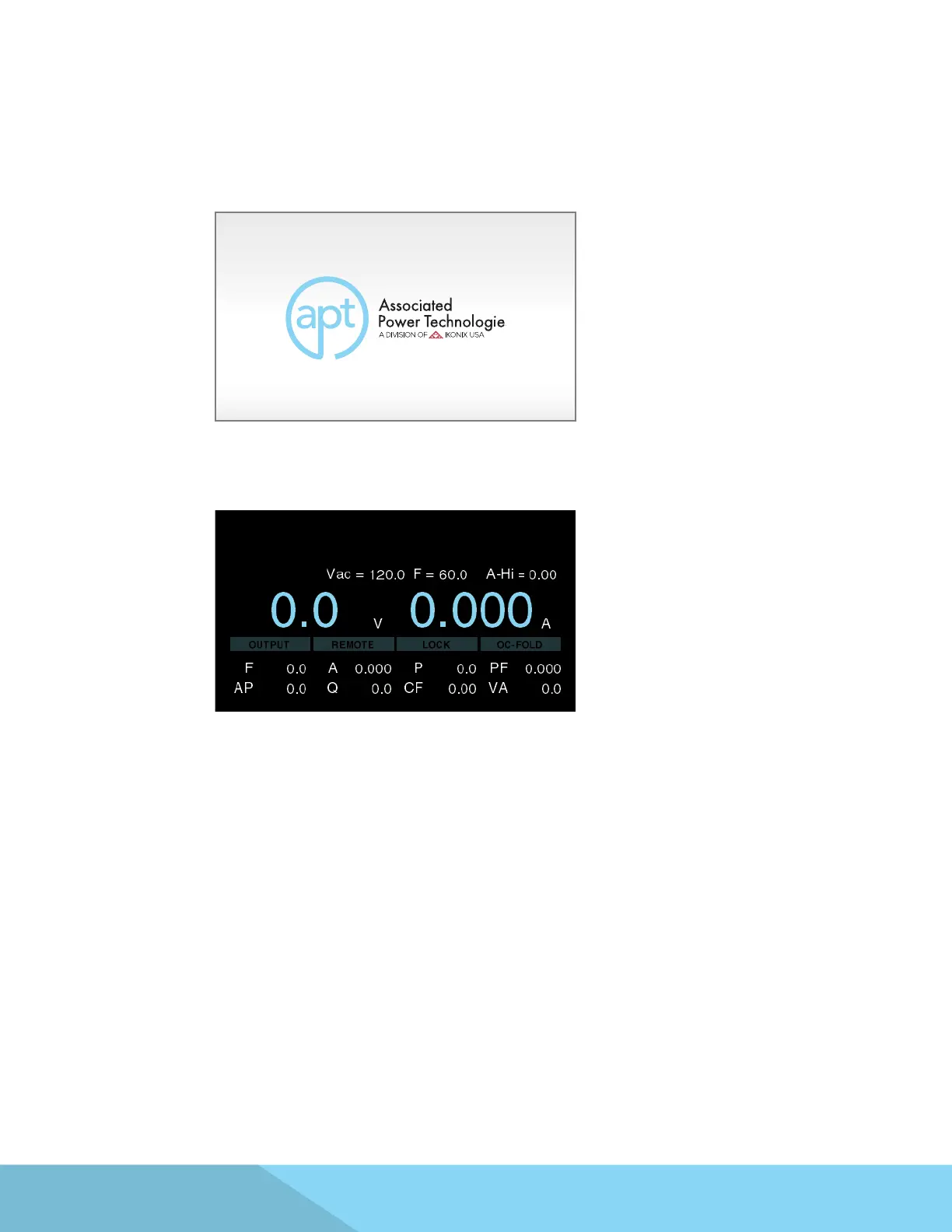
Turn on the Power switch located on the lower left-hand corner of the front panel. The initialization screen
will appear.
After a few seconds the initialization screen will change to the test screen. The test screen will be displayed as
follows:
*Note – The default test screen will depend on the last test you ran and also on the System Parameter
called Power Up (described in the table in Section 4.2).
4. Programming Instructions



 To Next Page