© Ikonix USA
45
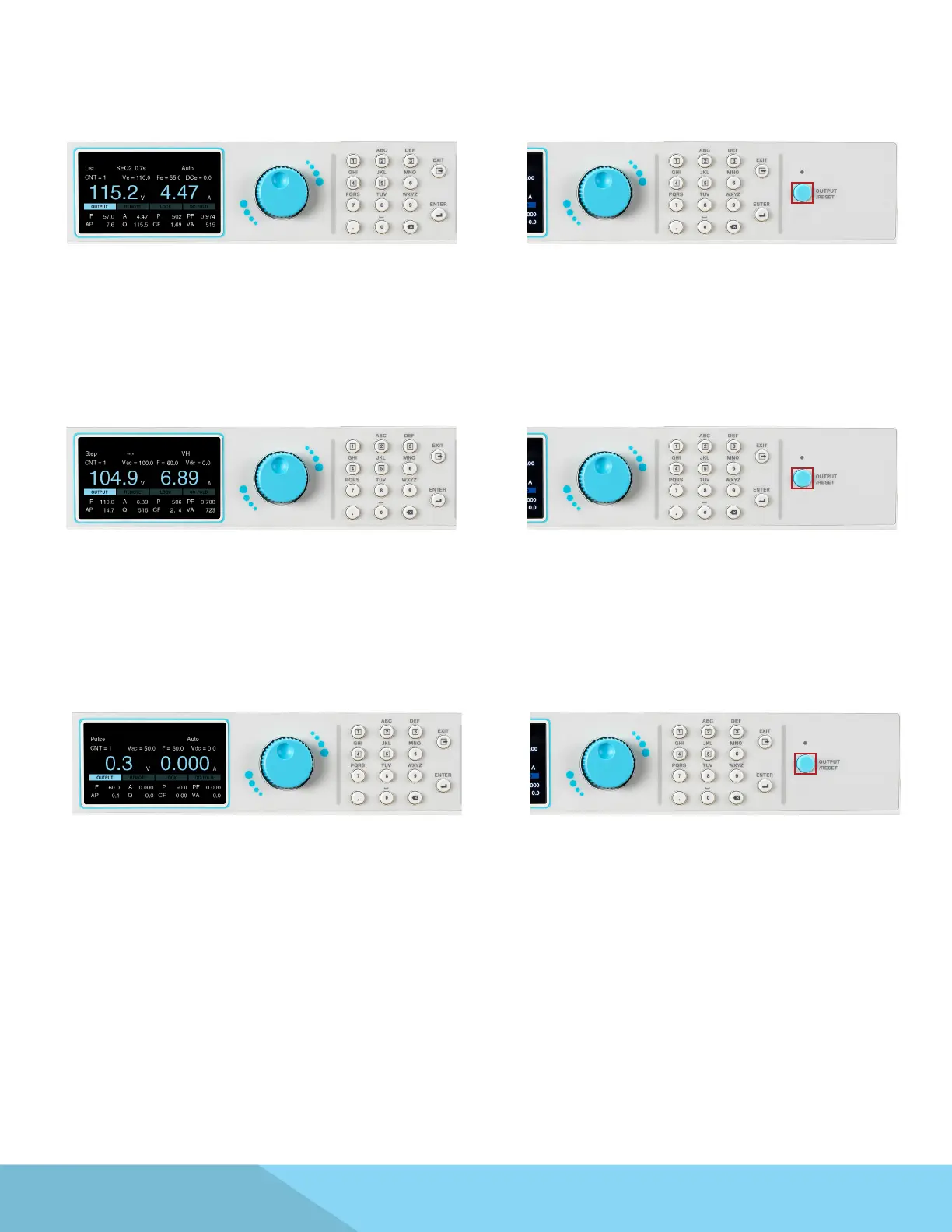
1. The List Mode test screen will appear similar to
the following:
2. The user can press the OUTPUT/RESET key at
any time during the test to end/abort the test.
5.3 List Mode
1. The Step Mode test screen will appear similar to
the following:
2. The user can press the OUTPUT/RESET key at
any time during the test to end/abort the
5.4 Step Mode
1. The Pulse Mode test screen will appear similar
to the following:
2. The user can press the OUTPUT/RESET key at
any time during the test to end/abort the test.
5.5 Pulse Mode



 To Next Page