© Ikonix USA
84
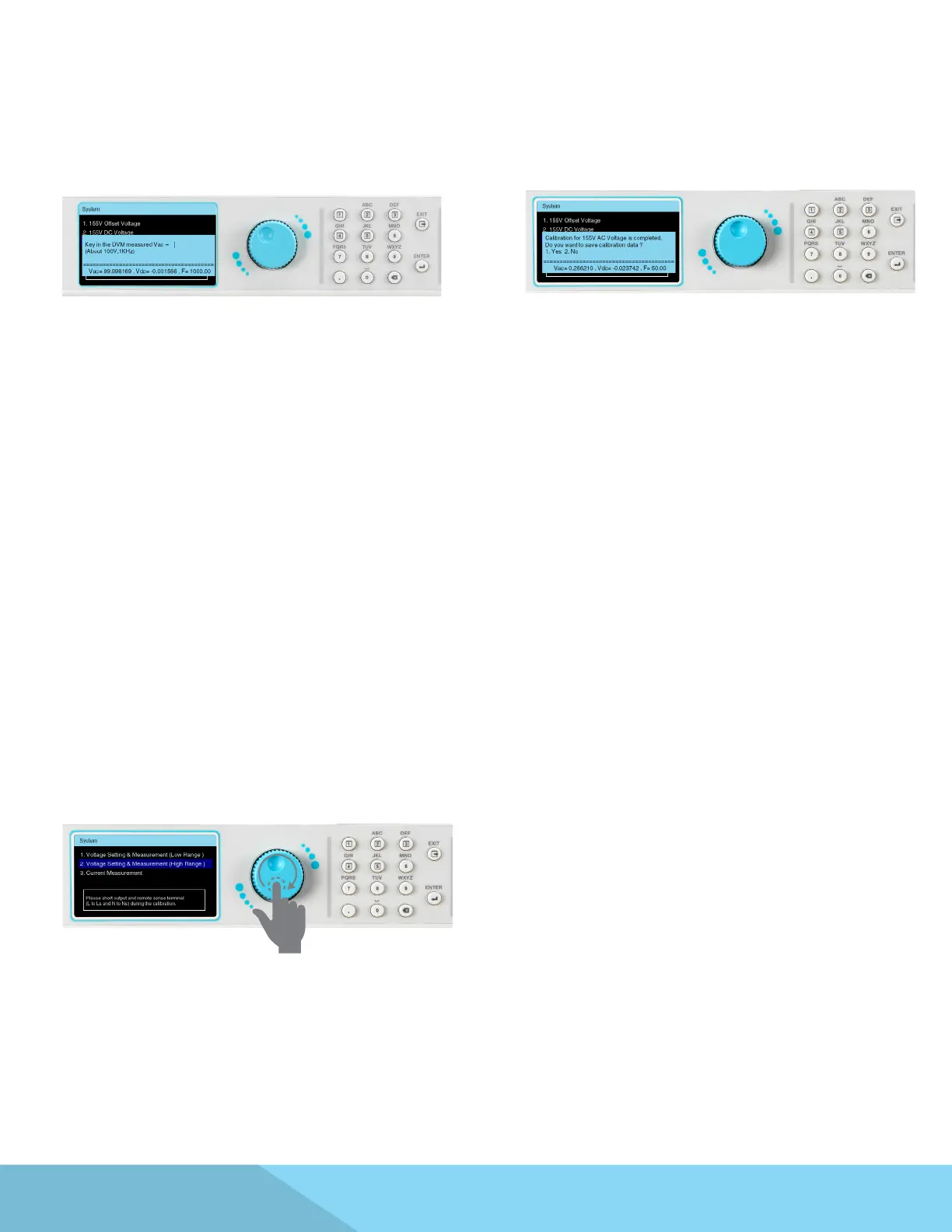
Input the DVM measured Vrms value.
(This item is 1000 Hz AC measurement correction)
This calibration item has been completed
Press the 1 key to save the correction value.
From the calibration main screen use the
rotary knob to highlight the Voltage Setting
& Measurement (High Range) selection. This
process is the same as Calibration of Voltage
Setting & Measurement (Low Range) and will not
be explained.
9.3 Calibration of Voltage Setting and Measurement (High Range)



 To Next Page