© Ikonix USA
87
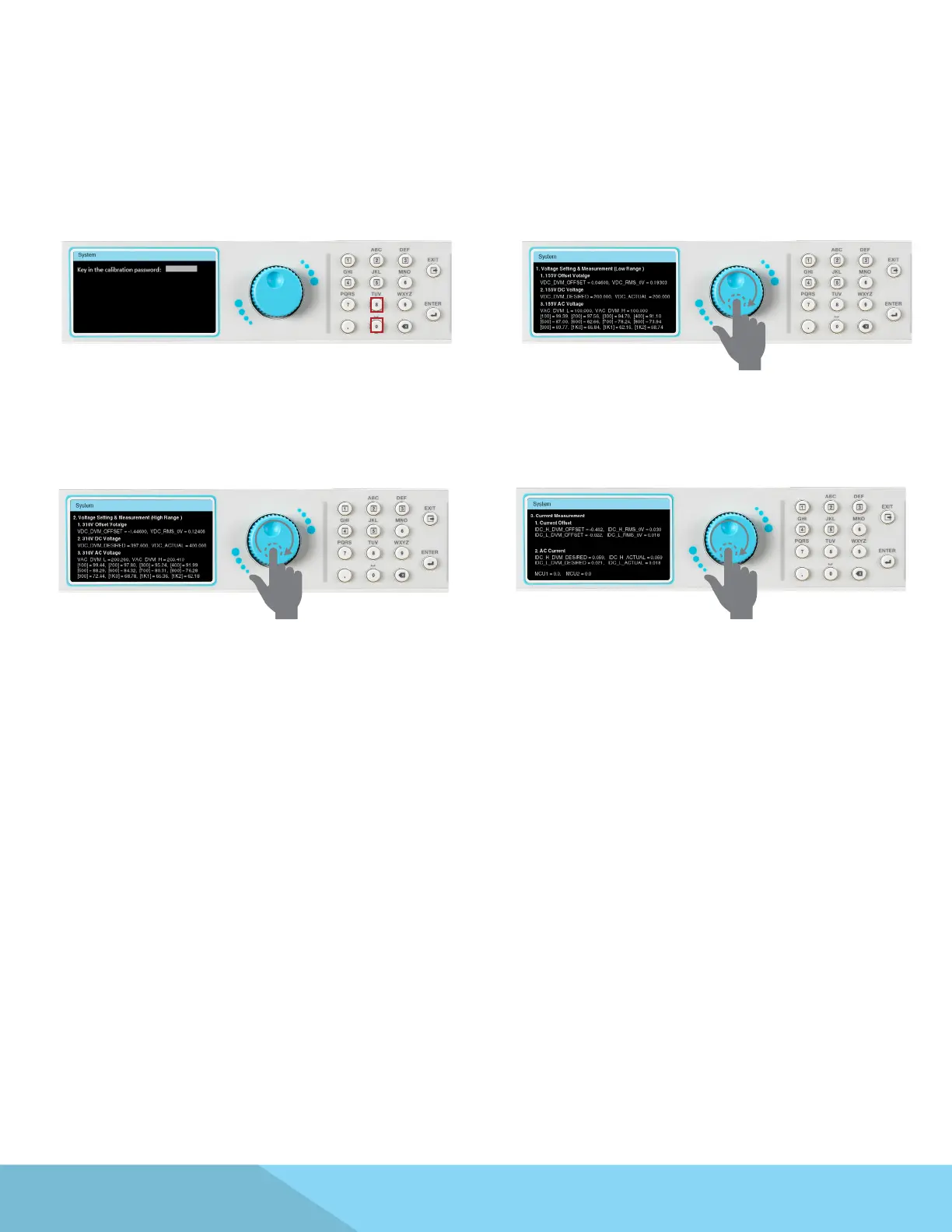
Access the calibration selection from the
System menu and enter password 8080 to view
calibration data.
Use the rotary knob to view page 1 of calibration
data.
Use the rotary knob to view page 2 of calibration
data.
Use the rotary knob to view page 3 of calibration
data.
9.5 View Calibration Data
After the calibration is completed successfully the user can view the calibration data.



 To Next Page