© Ikonix USA
86
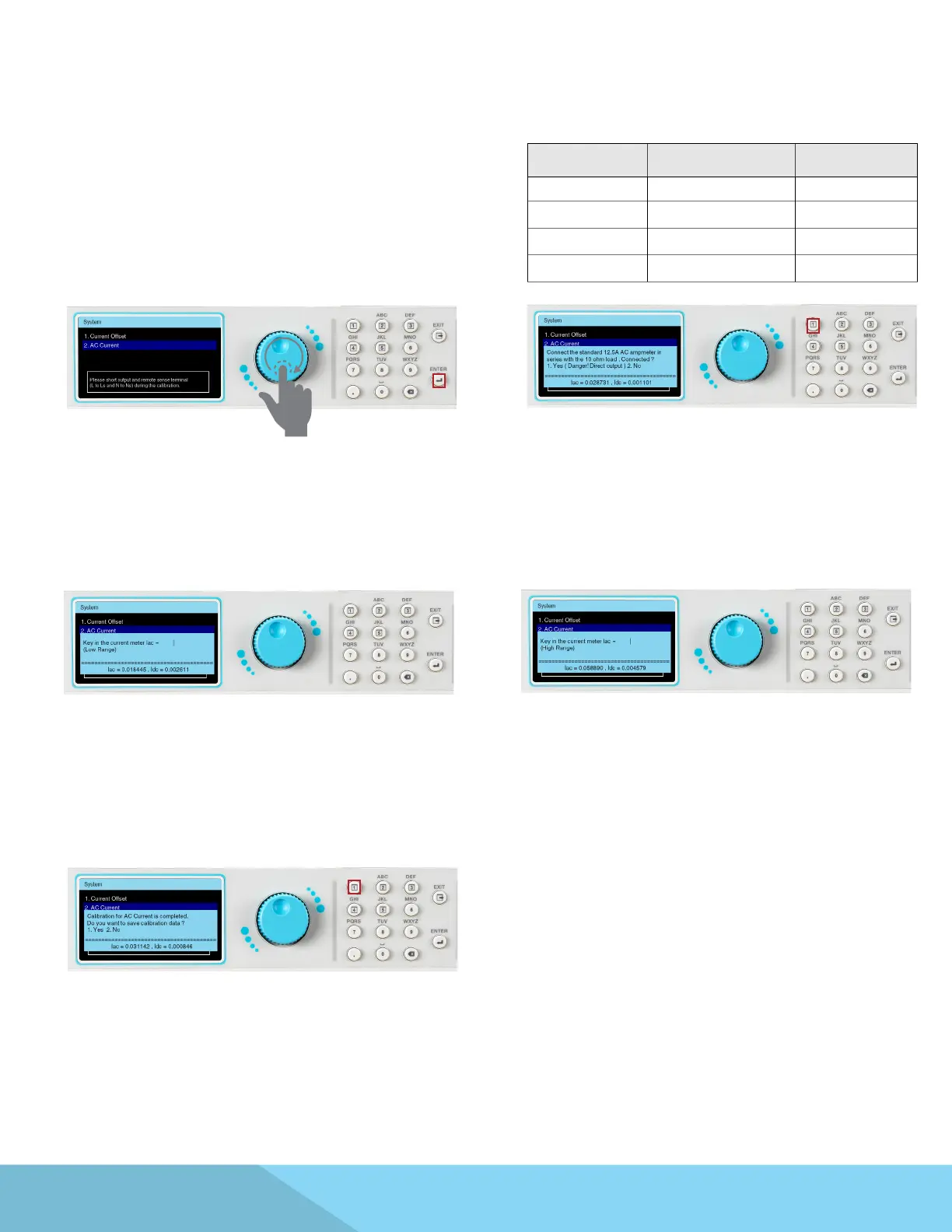
Use the rotary knob to highlight the AC Current
selection. Press the ENTER key to view the next
page.
Conrm that there is a connection to the load.
Press the 1 key to conrm. Reference the
following table for proper resistive load values for
each of the four dierent APT 8500 models:
Observe the RMS reading of AC current meter.
Observe the RMS reading of AC current meter
(high range).
This calibration item has been completed
Press the 1 key to save the correction value.
Model Amp Meter Load
8505 5A 10Ω
8512 12.5A 10Ω
8520 20A 5Ω
8540 40A 3Ω



 To Next Page