5 MENUS AquaLab
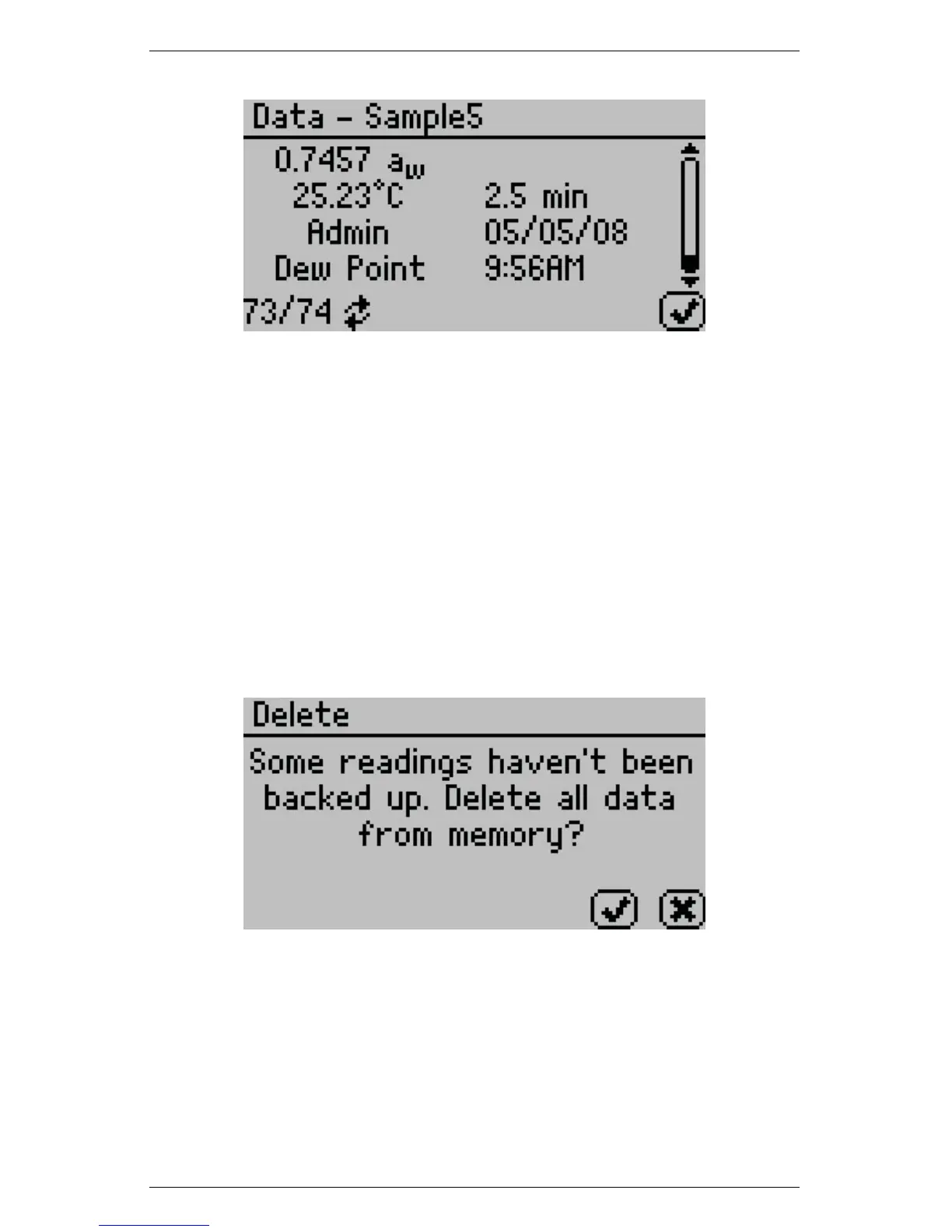
The information shown is the water activity of the sample, the tem-
perature, the test time, the user who ran the test (if setup), the date
of the reading, the sensor used (4TEV only), the time the reading
was taken, and the sequence number of the stored reading.
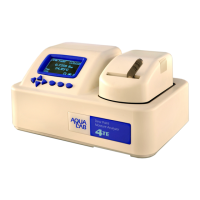
Delete
Selecting this option will delete all of the information currently stored
in the instrument. If you have not backed up this information with
AquaLink 4, you will be reminded of this in the delete window.
Note: You will NOT be able to recover deleted data.
28


 To Next Page