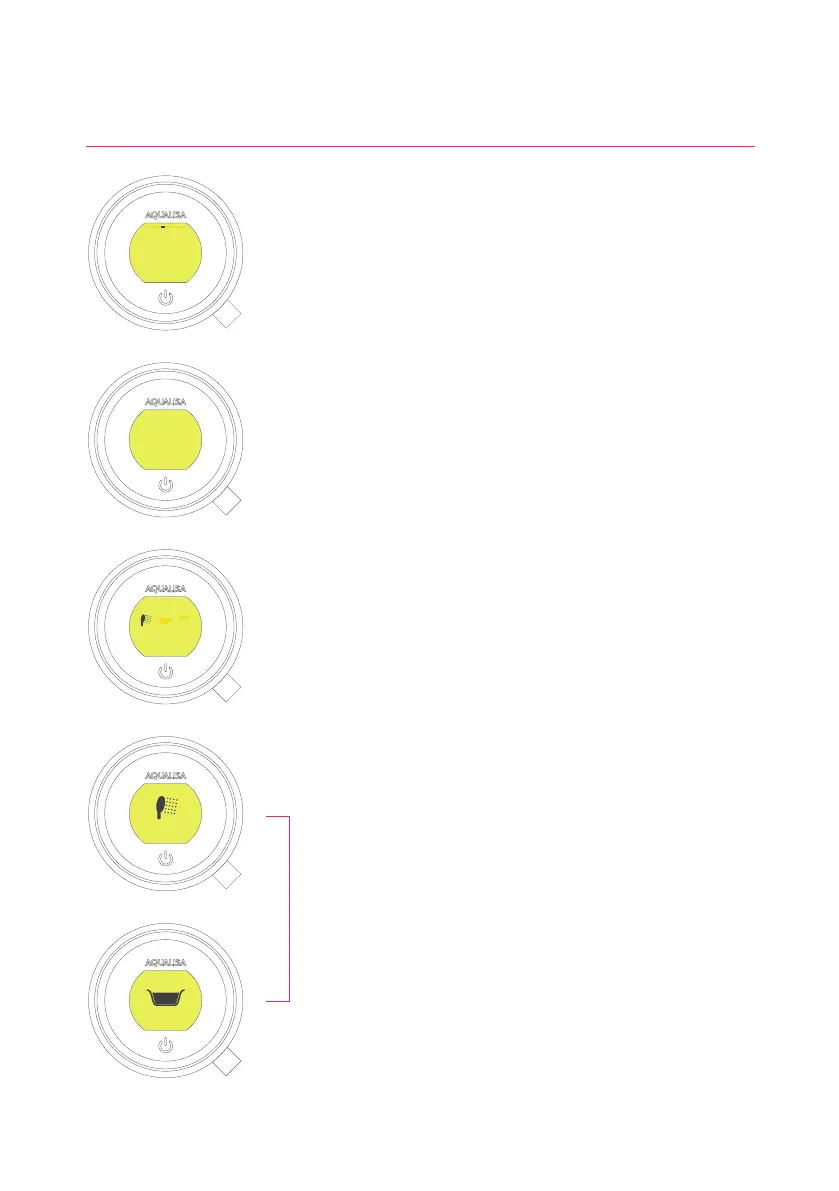
Configuring your Outlets
When you enter this setting you will first be asked to switch
on the shower. You will then be prompted to confirm if the
outlet running is the desired Primary Outlet.
Next, move the lever left or right to browse icons. Push the
lever to select the icon that matches your installation.
When you have selected the icons, your choice will be
confirmed with OK.
This setting enables you to choose the icons that represent
your outlets. If you have multiple outlets, you can also
select the most commonly used, this is known as the
primary outlet. Water will divert to this outlet unless you
select otherwise.
NB: Only available with divert models. You can not configure outlets whilst the shower is in use.
OK
Primary Outlet?
YES NO
OK
Choose an icon
Confi gure Outlets
YES NO
14




 To Next Page