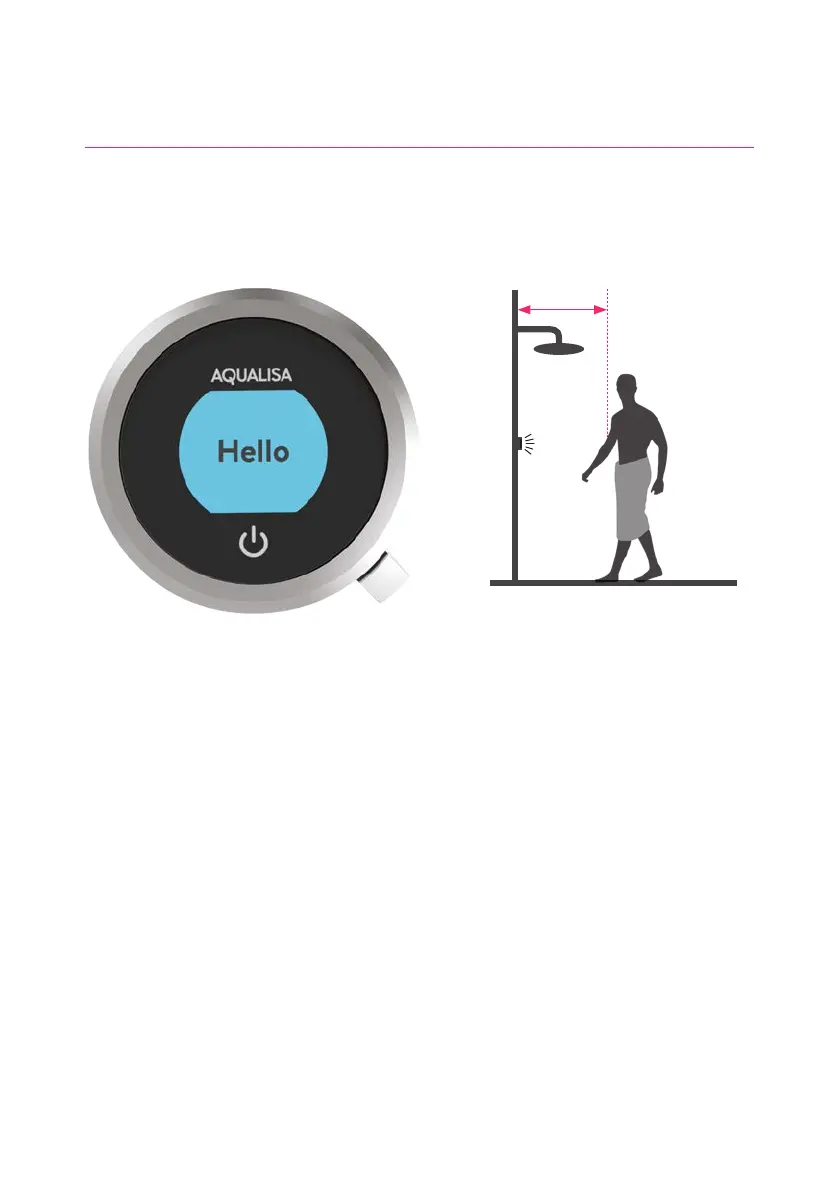
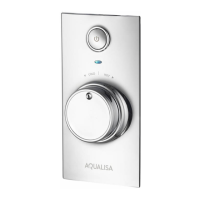
The controller has a proximity sensor, so as you approach or move your hand towards
the controller, the display wakes up and is ready to go.
(You can disable this feature in the Settings menu - see page 12).
Wake-up
The proximity sensor detects
any object directly in front, at
approximately 0.5m away from
the controller. See page 17 for
more information.
0.5 metres
5




 To Next Page